
Close Menu
CEOColumnCEOColumn
    What's Hot

    Yellow Sundress Trend: 5 Top Shades & 8 Must-Have Picks

    August 25, 2026

    How Trust Became a Competitive Advantage in the Online Gambling Industry

    August 24, 2026

    Two Unicorns by 30: Inside Kyle Robertson’s Shift From Founder to Mentor

    August 24, 2026
    Facebook X (Twitter) Instagram
    Facebook X (Twitter) Instagram
    CEOColumnCEOColumn
    Subscribe
    • Home
    • News
    • BLOGS
      1. Health
      2. Lifestyle
      3. Travel
      4. Tips & guide
      5. View All

      BuyModa Review: A Closer Look at Prices, Discounts and Service Quality

      August 24, 2026

      How Modern Life Is Reviving Traditional Tea Habits

      August 17, 2026

      Why Dr. Barbara L Robinson Advises Cardiothoracic Surgeons Should Not Let General Surgery Certification Lapse

      August 14, 2026

      The Top-Rated Healthcare GEO Agencies of 2026

      August 14, 2026

      5 Reasons Professional Care Can Give Families Peace of Mind

      August 20, 2026

      How To Maintain A Fashionable Wardrobe Through Better Clothing Care

      August 10, 2026

      Skin Tint Formulation: How Texture, Coverage and Finish Shape Lightweight Face Makeup

      August 7, 2026

      Why Pop-Up Retail Still Works So Well at Busy Events

      July 27, 2026

      Why Successful Entrepreneurs Are Trading Luxury Hotels for the Australian Outback

      August 21, 2026

      How to Plan a Family Adventure in Gatlinburg That Teens and Kids Will Actually Enjoy

      August 19, 2026

      Best Areas to Stay in Singapore for Work, Leisure, and Relocation

      August 19, 2026

      Companies that treat the Vancouver-Portland split as a tax decision are missing the technology decision buried inside it

      August 18, 2026

      How Teletherapy Fits Into the Busy Lifestyle of Modern Texas Families

      August 22, 2026

      How to Identify Your Face Shape Online

      August 21, 2026

      The Executive’s Guide to Getting Real Value From an Annual Conference

      July 22, 2026

      How Australians Pay for Online Games: Safety and Fees Explained

      July 11, 2026

      Yellow Sundress Trend: 5 Top Shades & 8 Must-Have Picks

      August 25, 2026

      How Trust Became a Competitive Advantage in the Online Gambling Industry

      August 24, 2026

      Two Unicorns by 30: Inside Kyle Robertson’s Shift From Founder to Mentor

      August 24, 2026

      What Steps Should You Take If You Suspect Physical Abuse in a Pittsburgh Care Home?

      August 24, 2026
    • BUSINESS
      • OFFLINE BUSINESS
      • ONLINE BUSINESS
    • PROFILES
      • ENTREPRENEUR
      • HIGHEST PAID
      • RICHEST
      • WOMEN ENTREPRENEURS
    CEOColumnCEOColumn
    Home»Tips & guide»How to Bypass Android Lock Screen without Password

    How to Bypass Android Lock Screen without Password

    OliviaBy OliviaAugust 16, 2025Updated:September 3, 2025No Comments3 Mins Read

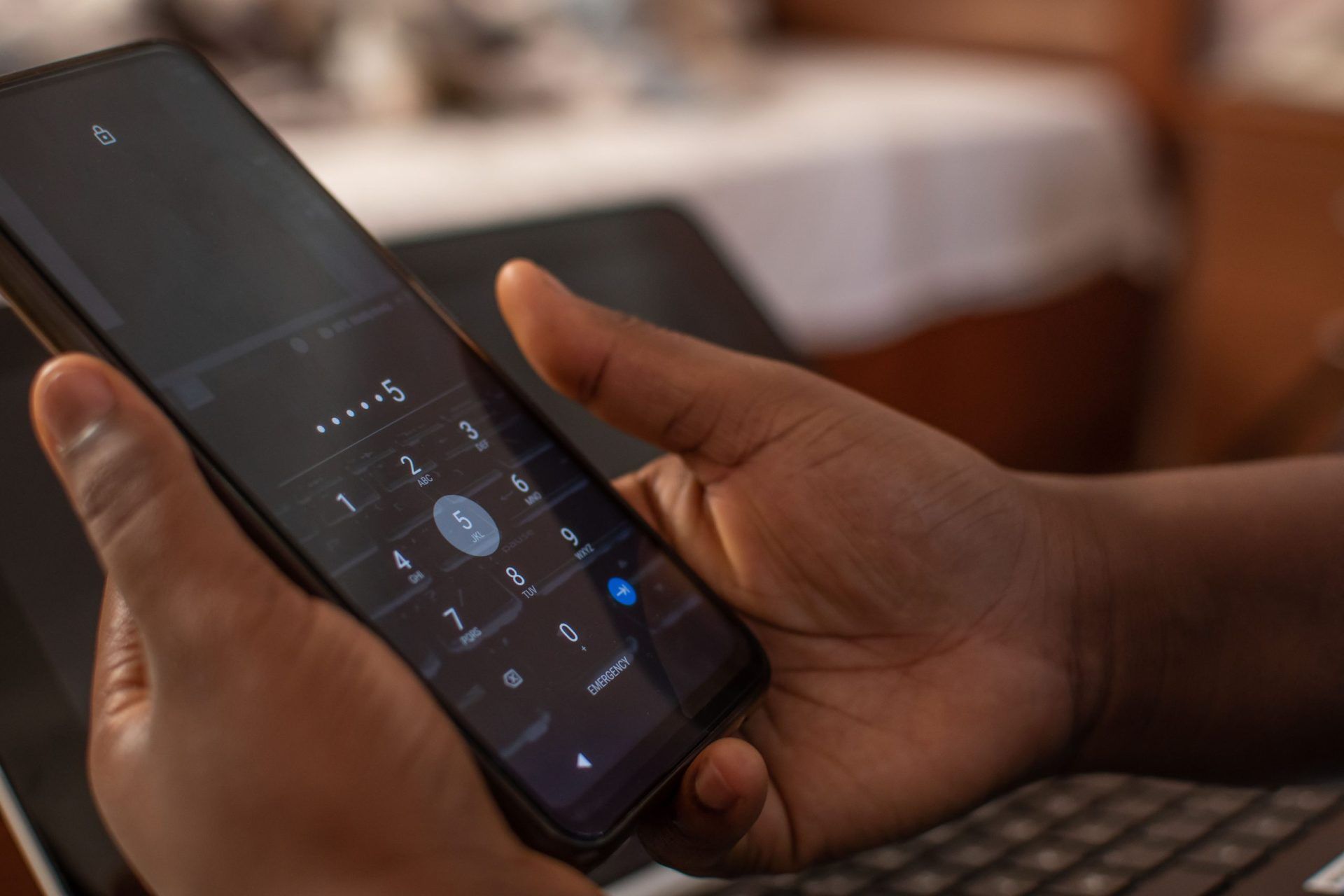
    Android devices make up the bulk of mobile phones used, and many mobile phone manufacturers opt for this operating system. The Android OS has several security protocols in place for user information safety. The lock screen is a prominent security feature present in devices.

    The screen might lock in situations where the user forgot their password or keyed in the wrong code several times. To safeguard the device, the system will disable it. It is a disappointing situation that many cannot get over. 

    The good news is that Android lock screen removal is possible with numerous solutions. DroidKit is among the solutions to opt for, and we will guide you on its application for a locked Android screen.

    Table of Contents

    Toggle
    • What is DroidKit?
    • Bypass Android Lock Screen with DroidKit: A Step-by-Step Guide 
      • Step 1: Get DroidKit for Your PC
      • Step 2: Open DroidKit and Connect Your Android Device
      • Step 3: Put the Device in Recovery Mode
      • Step 4: Finish the Bypass
    • Get DroidKit to Shield Yourself from Android Troubles

    What is DroidKit?

    DroidKit is a product under the iMobie umbrella and is the solution to all your Android smartphone problems. Apart from bypassing Android lock screen, this tool will also fix a black or frozen screen, retrieve lost data, upgrade the system, and many more.

    It is a must-have utility, especially in a professional setting, ensuring you have all that you need to fix Android issues.

    Bypass Android Lock Screen with DroidKit: A Step-by-Step Guide 

    One of the things to love about iMobie DroidKit is its user-friendliness; anyone can use it, even without sophisticated technical knowledge, as evident from the following user guide.

    Step 1: Get DroidKit for Your PC

    Download the tool from its authorized website like iMobie. As a new or one-time user, you can go for the free version. However, if you want to be regularly using it or want it for professional applications, you can explore the premium versions, which come with several add-ons.

    The utility works with most releases of Windows and Mac. It is also 100% clean and secure, with no chances of it coming with risks like malware.

    Step 2: Open DroidKit and Connect Your Android Device

    Once successfully installed, you launch it and connect your locked Android device. Make sure that your PC can read your device to adequately work on it adequately. On the tool’s display, select the ‘Screen Unlocker’ option.

    The action leads you to another display that presents the various scenarios that the utility can solve regarding screen locks. They include removing all types of passwords, like PINs, patterns, facial recognition, fingerprints, and more.

    Press the ‘Start’ button, then click on the ‘Device Connected’ option in a small box that will pop up. The action prompts the preparation of a configuration file. Click ‘Remove Now’ after the configuration file is ready.

    Step 3: Put the Device in Recovery Mode

    This step requires you to select your device brand and a preferred unlock option. Available unlock modes are Wipe device data and Keep device data. The former is the most recommended, as it works with most phones, while the latter works only with specific older models.

    Step 4: Finish the Bypass

    Follow the instructions presented on the display to initiate the screen lock removal. It might take some time, so be patient. Once done, you will see the notification, ‘Screen Lock Removal Complete.’ Click the ‘Complete’ button to exit.

    Get DroidKit to Shield Yourself from Android Troubles

    DroidKit is the ultimate answer to several Android phone troubles, like a locked screen, frozen display, lost files, and a slow device. Download this tool and have it ready for any problems that you may encounter with your Android devices.

    Share. Facebook Twitter Pinterest LinkedIn Tumblr Telegram Email
    Previous Article Dubai Bling Season 3: Cast, Drama, and Must-Watch Moments
    Next Article How 23-Year-Old CEOs Are Building $10M Companies Without VC Money
    Olivia

    Olivia is a contributing writer at CEOColumn.com, where she explores leadership strategies, business innovation, and entrepreneurial insights shaping today’s corporate world. With a background in business journalism and a passion for executive storytelling, Olivia delivers sharp, thought-provoking content that inspires CEOs, founders, and aspiring leaders alike. When she’s not writing, Olivia enjoys analyzing emerging business trends and mentoring young professionals in the startup ecosystem.

    Related Posts

    How Teletherapy Fits Into the Busy Lifestyle of Modern Texas Families

    August 22, 2026

    How to Identify Your Face Shape Online

    August 21, 2026

    The Executive’s Guide to Getting Real Value From an Annual Conference

    July 22, 2026
    Add A Comment
    Leave A Reply Cancel Reply

    You must be logged in to post a comment.

    Latest Posts

    Yellow Sundress Trend: 5 Top Shades & 8 Must-Have Picks

    August 25, 2026

    How Trust Became a Competitive Advantage in the Online Gambling Industry

    August 24, 2026

    Two Unicorns by 30: Inside Kyle Robertson’s Shift From Founder to Mentor

    August 24, 2026

    What Steps Should You Take If You Suspect Physical Abuse in a Pittsburgh Care Home?

    August 24, 2026

    BuyModa Review: A Closer Look at Prices, Discounts and Service Quality

    August 24, 2026

    The Hidden Risks of Last-Minute Bookings and How to Avoid Them

    August 24, 2026

    Top US-Focused HR Software Solutions for Small Businesses

    August 24, 2026

    How Can Custom Folders Make Sales Proposals Look More Professional?

    August 24, 2026

    Encouraging Safety Without Invading Privacy

    August 24, 2026

    How Dual-Section Packaging Helps Brands Organise Multiple Products in One Pouch

    August 24, 2026
    Recent Posts
    • Yellow Sundress Trend: 5 Top Shades & 8 Must-Have Picks August 25, 2026
    • How Trust Became a Competitive Advantage in the Online Gambling Industry August 24, 2026
    • Two Unicorns by 30: Inside Kyle Robertson’s Shift From Founder to Mentor August 24, 2026
    • What Steps Should You Take If You Suspect Physical Abuse in a Pittsburgh Care Home? August 24, 2026
    • BuyModa Review: A Closer Look at Prices, Discounts and Service Quality August 24, 2026

    Your source for the serious news. CEO Column - We Talk Money, Business & Entrepreneurship. Visit our main page for more demos.

    We're social. Connect with us:
    |
    Email: Support@gposting.com

    Facebook X (Twitter) Instagram Pinterest LinkedIn WhatsApp
    Top Insights

    Yellow Sundress Trend: 5 Top Shades & 8 Must-Have Picks

    August 25, 2026

    How Trust Became a Competitive Advantage in the Online Gambling Industry

    August 24, 2026

    Two Unicorns by 30: Inside Kyle Robertson’s Shift From Founder to Mentor

    August 24, 2026
    © Copyright 2025, All Rights Reserved
    • Home
    • Pricacy Policy
    • Contact Us

    Type above and press Enter to search. Press Esc to cancel.

    Go to mobile version