

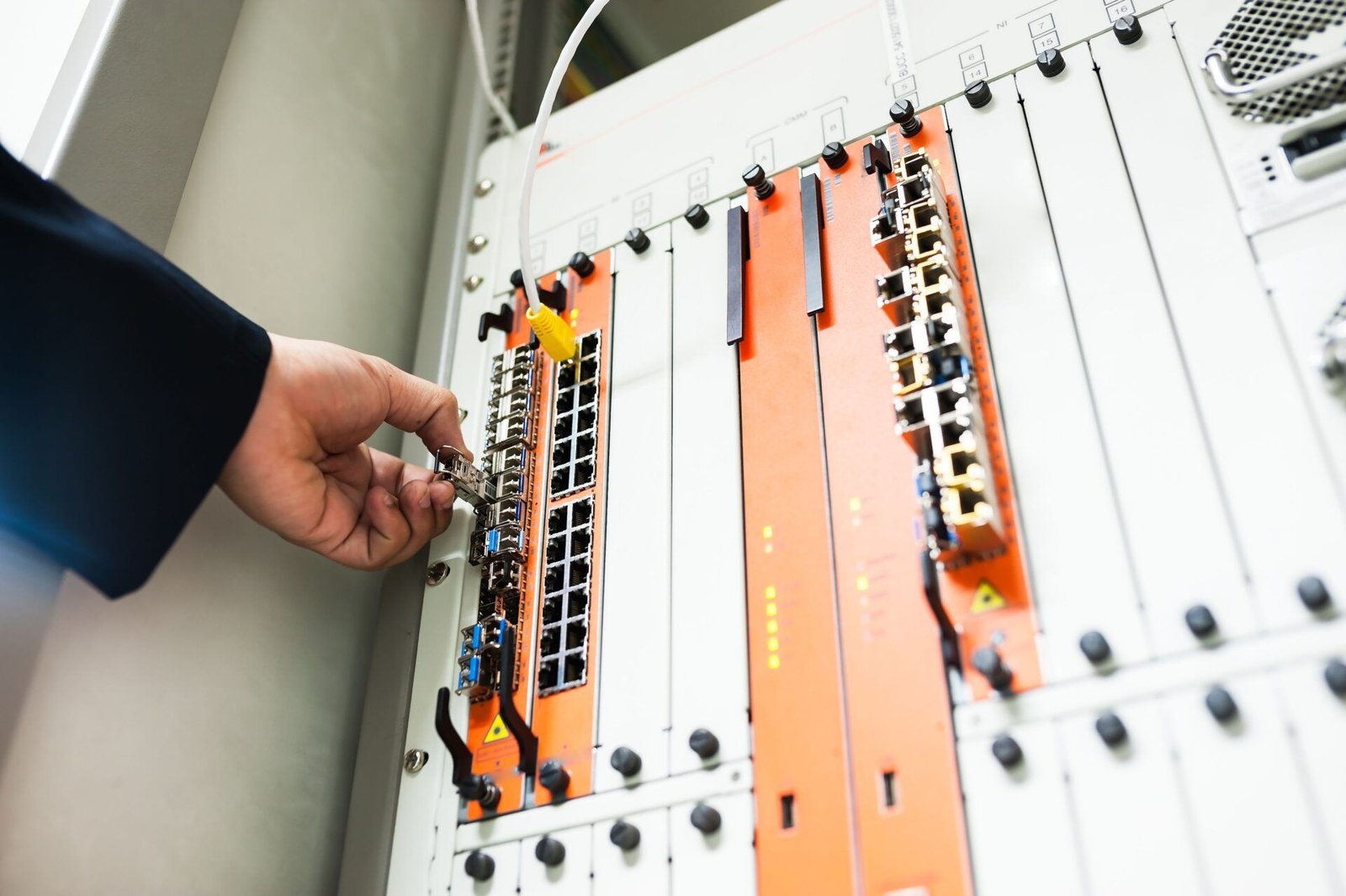
Data center design and implementation turns IT requirements into a working facility. The process starts with the expected computing load and continues through construction and testing. Early decisions shape how well the completed facility supports daily operations and future growth.
AI servers, for example, can concentrate heat in a few racks. Adding them to an existing room may require changes well beyond those racks. Planning for these changes before equipment is ordered helps avoid costly rework.
1. Define the design basis before selecting equipment or a site
The design basis records what the facility must deliver. It gives the project team a shared set of requirements before equipment is selected.
- Availability: How much downtime is acceptable, including during maintenance?
- Capacity: What is the initial IT load, and how is it distributed across the racks?
- Growth: How much additional capacity is expected, and when?
- Efficiency: What energy and resource-use targets should the facility meet?
- Budget: What are the limits for construction and ongoing costs?
- Compliance: Which building and electrical requirements apply, including fire safety? Are there specific certification targets?
For a greenfield project, these requirements help narrow down the site options. Utility capacity and network availability may rule out a site early. The building must also accommodate the equipment and allow for its installation. Floor load limits and room for expansion are part of that assessment.
A retrofit starts with an assessment of the existing facility. This establishes its power and cooling limits, along with the space available for new equipment. The findings determine which upgrades are feasible.
2. Check power and cooling capacity at the rack as well as the facility
A distribution board or rack feed may limit the power available to the servers, even when the facility has spare incoming capacity. Capacity checks need to follow the full path from the incoming supply to each rack. This includes the switchgear and uninterruptible power supply (UPS) systems.
The checks should cover normal operation and the maintenance or failure conditions defined in the design. Some A/B arrangements are designed to keep equipment running after either feed is lost. In that case, the surviving path must support the required load.
A group of high-density racks can create a local cooling problem. Room-level capacity alone does not show whether enough cooling reaches those racks. The layout needs to account for airflow and aisle containment.
The cooling approach should suit the proposed servers and rack density. For direct-to-chip liquid cooling, the review needs to cover three areas:
- Cooling connections: Confirm the coolant distribution unit (CDU) requirements and its interface with facility cooling. Identify how much heat still needs to be removed by air.
- Coolant requirements: Check the specified quality and chemistry. The coolant must also be compatible with the materials it contacts.
- Maintenance: Provide leak detection and enough access to service the equipment.
3. Plan for maintenance, failures and expansion
Maintenance and failure scenarios need to be reviewed before the architecture is fixed. Examples include a failed pump or a cooling unit taken out of service. The review should also cover recovery after an outage. These scenarios help establish the required redundancy and isolation arrangements.
A shared fault can disable both the main and backup equipment. Identifying these common failure points helps establish where separation is needed. Control sequences should be checked against the same failure scenarios. The design must also allow access for maintenance, supported by clear switching procedures.
The amount of redundancy should follow the required availability. Additional equipment brings more maintenance work, so the operations team must be able to manage it reliably.
Expansion planning starts with the initial load and expected growth. A higher-demand scenario helps test how much flexibility the design needs. Space for future equipment can be reserved before that equipment is purchased. Similar provisions may be needed for switchgear and pipe connections.
A modular UPS offers limited expansion value if downstream distribution cannot carry the extra load. The cooling system must also support the expanded IT load. Control-system expansion and access to install new equipment belong in the same plan.
4. Compare lifecycle costs while evaluating design options
A total cost of ownership (TCO) model estimates what a design will cost to build and operate. It should inform the choice of design before the project commits to equipment.
The estimate includes ongoing expenses such as maintenance and energy use. Other costs, including water and financing, belong in the assessment where relevant.
Each option needs the same assessment period and a consistent basis for IT load and utilization. Energy-price and equipment-life assumptions also need to be consistent.
An additional UPS, for example, increases both purchase and servicing costs. That expense may be justified if it allows maintenance without interrupting the supported load.
Power usage effectiveness (PUE) is the ratio of total facility energy to IT equipment energy. A lower PUE indicates less energy overhead for the infrastructure. Comparisons need consistent measurement boundaries and comparable operating conditions. Any projected savings then need to be weighed against the additional costs of achieving them.
5. Use reference designs, simulation and prefabrication where they help
The design team can use these methods at different stages of the same project. For example, a reference design may be adapted to the site and then evaluated through simulation.
| Method | Main use | Project requirement |
|---|---|---|
| Reference designs | Start from a documented architecture | Check its suitability for the actual site and IT equipment |
| Engineering simulation | Evaluate behavior before installation, including through digital-twin models | Validate the model inputs and operating assumptions |
| Prefabricated infrastructure | Assemble and test selected systems in a factory | Agree on system connections and site readiness before delivery |
Schneider Electric Reference Design 99 shows how power and cooling can be planned together for AI clusters. Project teams can use it to review system connections before detailed engineering begins.
The document covers retrofit options for air-cooled and liquid-cooled AI clusters, along with a purpose-built liquid-cooled IT room. It also documents the IT space and lifecycle software that support these configurations. The relevant configuration can then be adapted to the site’s requirements and planned IT equipment.
6. Carry the approved design through construction, testing and handover
Responsibilities need to be clear wherever one supplier’s work connects to another’s. A cooling supplier may specify the connections, with a separate contractor responsible for the pipework. The project team needs to confirm who checks that those requirements are met.
The same applies to monitoring and control systems supplied under separate contracts. Their integration needs a named owner and an agreed test scope.
Before installation begins, the team needs an approved design and clear acceptance criteria. Responsibilities for individual connections and control points should be documented. The process for reviewing and approving changes should also be agreed.
Commissioning checks system performance against the approved design. Its scope should reflect the project’s criticality. Where the design basis and acceptance criteria require integrated systems testing (IST), testing must cover how the connected systems work together.
The test plan should address normal operation and defined maintenance or failure scenarios. A power transfer test, for example, should check the cooling response as well as the electrical sequence. Relevant alarms and control communications also need to be verified, including during recovery.
At handover, the as-built documents must reflect what was actually installed. Approved changes also need to be included in operating procedures and training. This gives the operations team an accurate basis for running and maintaining the facility.
Frequently Asked Questions (FAQ)
Q: How much spare power and cooling capacity should a new data center include?
A: There is no fixed percentage that suits every project. Capacity needed to maintain availability should be distinguished from capacity reserved for future growth. The load forecast then helps determine what must be installed initially and what can be added later.
Q: When should a data center reference design be adapted rather than used as-is?
A: Every reference design needs to be checked against the project before use. A different utility supply or cooling connection may require changes. Matching the total IT capacity does not confirm that the rack layout or availability provisions are suitable.
Q: What should be included in data center integrated systems testing?
A: Each test needs a defined starting condition and a specific event to test. The plan should state the expected system response and the pass/fail criteria. Recovery checks should confirm that the affected systems return to their intended operating state.
Q: Should a retrofit data center use the same design process as a greenfield project?
A: Both start with defined requirements. A retrofit also needs a plan for working around existing operations. That includes any isolation or shutdowns needed during installation. A greenfield project has more freedom to choose a site around the design.
