

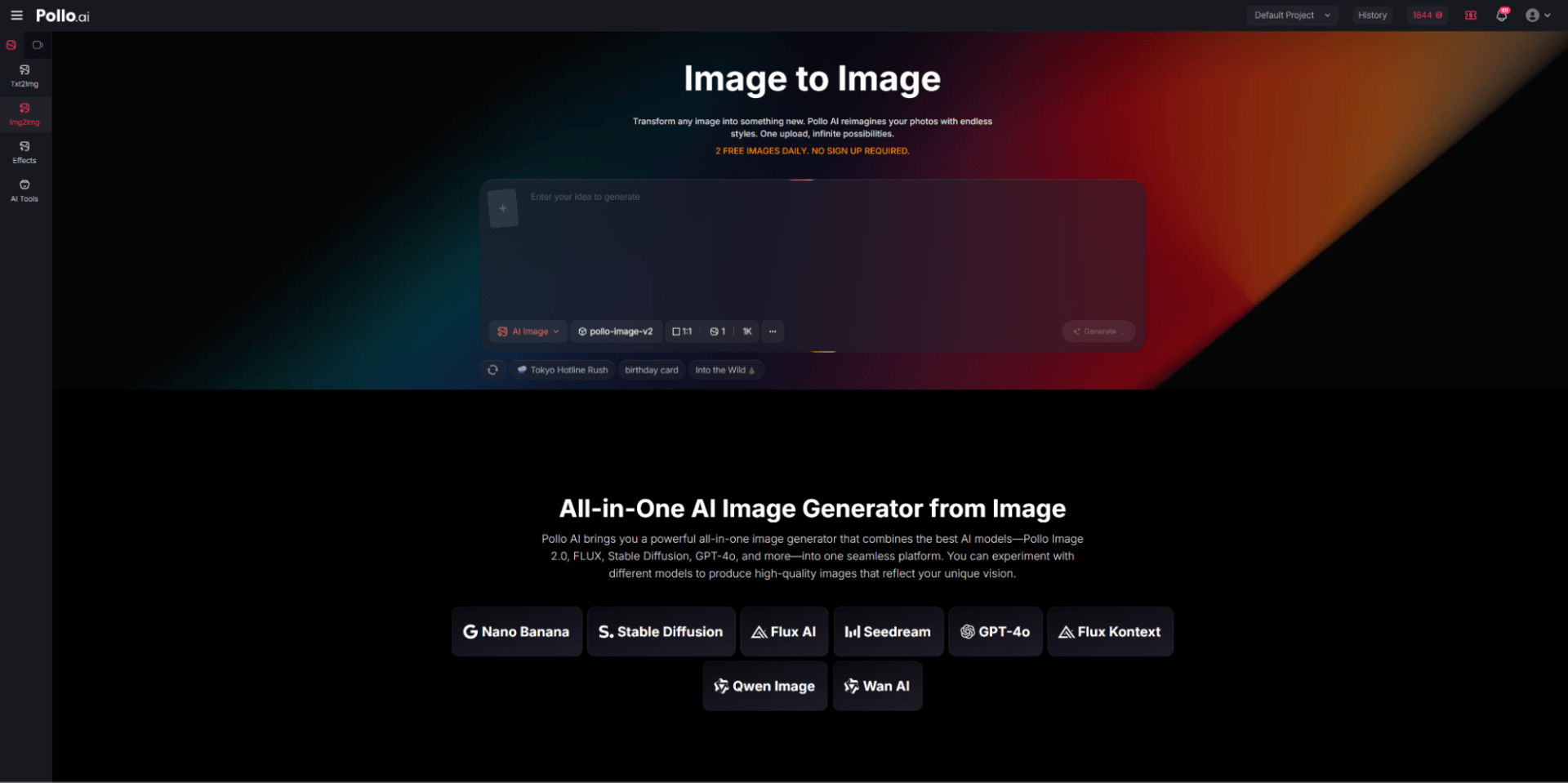
AI image generation is evolving fast — and image to image AI technology is now powerful enough to let you transform photos, sketches, or even your own likeness into new creative visuals with incredible precision and style. In this article, we’ll explore why these tools matter, present the 10 best image‑to‑image AI free tools available in 2026, and show how you can even incorporate yourself in AI image generator workflows to produce personalized results.
5 Best Image to Image AI Free Tools in 2026
From my hands-on testing, these are the top 5 image to image AI tools that stood out in terms of speed, accuracy, and creative flexibility. Each platform offers unique strengths, and I focused on how intuitively I could transform an existing image into new styles or effects using text prompts.
1. Pollo AI — All‑In‑One Powerhouse
In my experience, Pollo AI is the most versatile tool I tested. Its image to image generator lets me upload a photo and apply transformations seamlessly, from subtle color adjustments to full artistic re-renders. I liked that I could switch between multiple AI models (like Flux or Nano Banana 2) to match the style I was aiming for. During my tests, I noticed that Pollo AI interpreted nuanced prompts better than other tools, producing usable outputs in just a few seconds. The free tier is generous, and it works smoothly on web, iOS, and Android.
Pros: Fast, accurate, wide range of styles, beginner-friendly
Cons: Advanced controls take some time to fully explore
Why I recommend it: Pollo AI is ideal if you want a reliable, all-in-one solution that balances speed, flexibility, and quality.
2. Midjourney — Artistic & Photography Quality
I found Midjourney excels at producing high-quality, artistic images. Even on the free tier, outputs often feel gallery-ready. When I used it for abstract or stylized prompts, the results captured subtle details and composition very well. The trade-off is speed; generating multiple variations can take longer. It also requires familiarity with Discord commands, which adds a learning curve.
Pros: Stunning visuals, strong prompt interpretation
Cons: Slower workflow, free tier limited, steeper learning curve
Why I recommend it: Best for users prioritizing detailed artistic quality and control.
3. Stable Diffusion — Open‑Source Flexibility
Stable Diffusion impressed me with its flexibility. Using a popular web GUI, I could quickly process reference images and experiment with prompts. I noticed that while output accuracy varies compared to proprietary models, the platform is highly customizable, letting me tweak models, styles, and pipelines. It’s a good choice if you enjoy experimenting and don’t mind a bit of setup.
Pros: Free, open ecosystem, highly customizable
Cons: UI can vary across platforms, model selection affects results
Why I recommend it: Great for tech-savvy users or those who want to experiment with different approaches.
4. Leonardo.AI — Creative All‑Around Tool
Using Leonardo.AI, I found the balance between quality and usability appealing. Whether I uploaded an image or typed a prompt, it produced diverse style variations reliably. I appreciated that it felt responsive and intuitive, which made testing different concepts easy. Some advanced features are behind a paid tier, but for my purposes—rapid prototyping and marketing visuals—it worked well.
Pros: Accurate prompt interpretation, versatile styles
Cons: Certain features require a subscription
Why I recommend it: Suitable for creators and marketers who need both speed and visual diversity.
5. Canva — Easy for Quick Edits & Graphic Integration
Canva’s AI features were useful for fast, social-ready graphics. I particularly liked the drag-and-drop interface and built-in templates, which made it easy for me to turn photos into shareable visuals quickly. It doesn’t match other tools in pure image-to-image fidelity, but it’s ideal when time and simplicity are priorities.
Pros: Intuitive interface, integrates design and AI
Cons: Limited advanced image-to-image control
Why I recommend it: Best for beginners or anyone producing quick social or marketing content.
Summary
From my testing, image-to-image AI has matured significantly. Tools now offer a spectrum—from high artistic control to fast, mobile-friendly workflows—and many free tiers are genuinely usable. Based on my experience:
- Best for Artistic Images: Midjourney — detailed, high-quality outputs
- Best for Flexible Workflows: Stable Diffusion — customizable and open-source
- Best for Quick Social Content: Canva — fast and easy
- Best Professional All-Around Tool: Pollo AI — balances speed, versatility, and reliable results
Why Pollo AI Is My Top Pick
From my experience, Pollo AI quickly became my go-to tool for image and video creation, and I can explain why it fits my needs better than other platforms I tested.
Low Learning Curve: I’m not an AI expert, but with Pollo AI, I could start generating quality results almost immediately. I didn’t need to memorize complex commands or settings—just upload an image or type a prompt, and the outputs were surprisingly accurate. That made my first projects feel achievable and stress-free.
Multi‑Model Access: One of the features I value most is the access to multiple AI models in one place. I can switch between engines like Nano Banana or Midjourney-style models depending on the effect I want. This flexibility allows me to experiment with different styles without juggling multiple platforms, which saves me a lot of time.
Powerful Prompt Interpretation: I noticed that Pollo AI handles nuanced instructions very well. Even when my prompts were slightly vague, the results often matched what I had envisioned. Compared to other tools I tried, it reduces the number of iterations needed to get a usable output, which is crucial when I’m working on tight deadlines.
Multi‑Platform Support: I often switch between my laptop and mobile devices. Pollo AI works seamlessly on Web, Android, and iOS, so I can generate assets on the go or continue editing from anywhere. This convenience directly impacts my workflow efficiency.
Overall, for my needs—whether I’m quickly prototyping a creative idea, producing content for social media, or experimenting with professional-quality visuals—Pollo AI provides the right balance of speed, flexibility, and reliability. It’s the one platform I find myself returning to consistently.
How to Incorporate Yourself in Pollo AI
Here’s how to use Pollo AI to generate AI images that include your own likeness:
Step 1: Collect clear photos of yourself — front, side, different expressions.
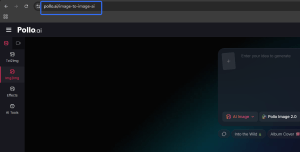
Step 2: Go to the Pollo AI image‑to‑image interface and upload one photo.
Step 3: Add descriptive text like: “Make this portrait look like a vibrant oil painting with my face.”
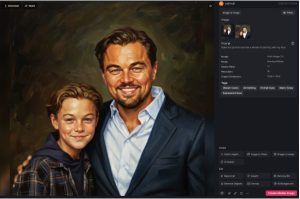
Step 4: Iterate by adjusting the prompt until you get results that reflect your likeness.
This method does not require training a custom model — you’re using the generator to transform your photo itself rather than building a private model.
Conclusion
2026’s landscape of image to image AI free tools lets creatives of all levels transform ideas into visuals like never before. From mobile‑friendly editors like Picsart to multi‑model powerhouses like Pollo AI, your workflow can be fast, high‑quality, and truly personal — including images of yourself. Start experimenting today, and don’t be afraid to mix tools to get the perfect output.
