

Walk into almost any leadership offsite this year and you will hear the same speech. AI is the future. Every team must use it. Those who don’t adapt will be left behind.
Then watch what happens when the slides end. The executive who gave the speech opens their laptop, scrolls through email, and drafts the follow-up memo the old-fashioned way.
That is not a cheap shot. It is what the data says. In 2026, the people setting AI strategy are often the least practised at using it. And the companies paying for it are still waiting for the payoff.
Here is what the research shows about how business leaders really use AI chatbots, where the value is hiding, and how to decide which tools deserve a line in your budget.
The gap at the top
Economists at Stanford surveyed almost 6,000 CFOs, CEOs and senior executives across the US, UK, Germany and Australia. Their working paper found that more than two thirds of top executives use AI regularly. But the average leader spends only about 1.5 hours a week with it, and one in four doesn’t use it at all.
An hour and a half a week is about 18 minutes a working day. That is enough time to ask a chatbot a few questions. It is not enough time to change how you work.
Fortune summed up the irony in a headline: “CEOs are mandating that employees use AI. They’re hardly using it themselves.” Leaders are pushing adoption on their staff with incentives and mandates. Meanwhile, nearly 70% of senior executives use AI at work for less than an hour a week.
This matters for more than optics. A leader who rarely uses these tools can’t really judge where they work, where they fail, or what they are worth. They end up approving budgets for something they have never stress-tested.
What the leaders who do use it actually do
The leaders who use AI tend to use it for ordinary work. General Assembly and EZRA surveyed more than 500 leaders in the US and UK and found that most still use AI mainly for routine tasks. A separate study of almost 2,000 US executives and business owners, reported by CFO.com, found that research is the most common use. Employees, by contrast, mostly use it in place of a search engine.
So the most useful work is unglamorous. In practice, these are the five uses that tend to pay off.
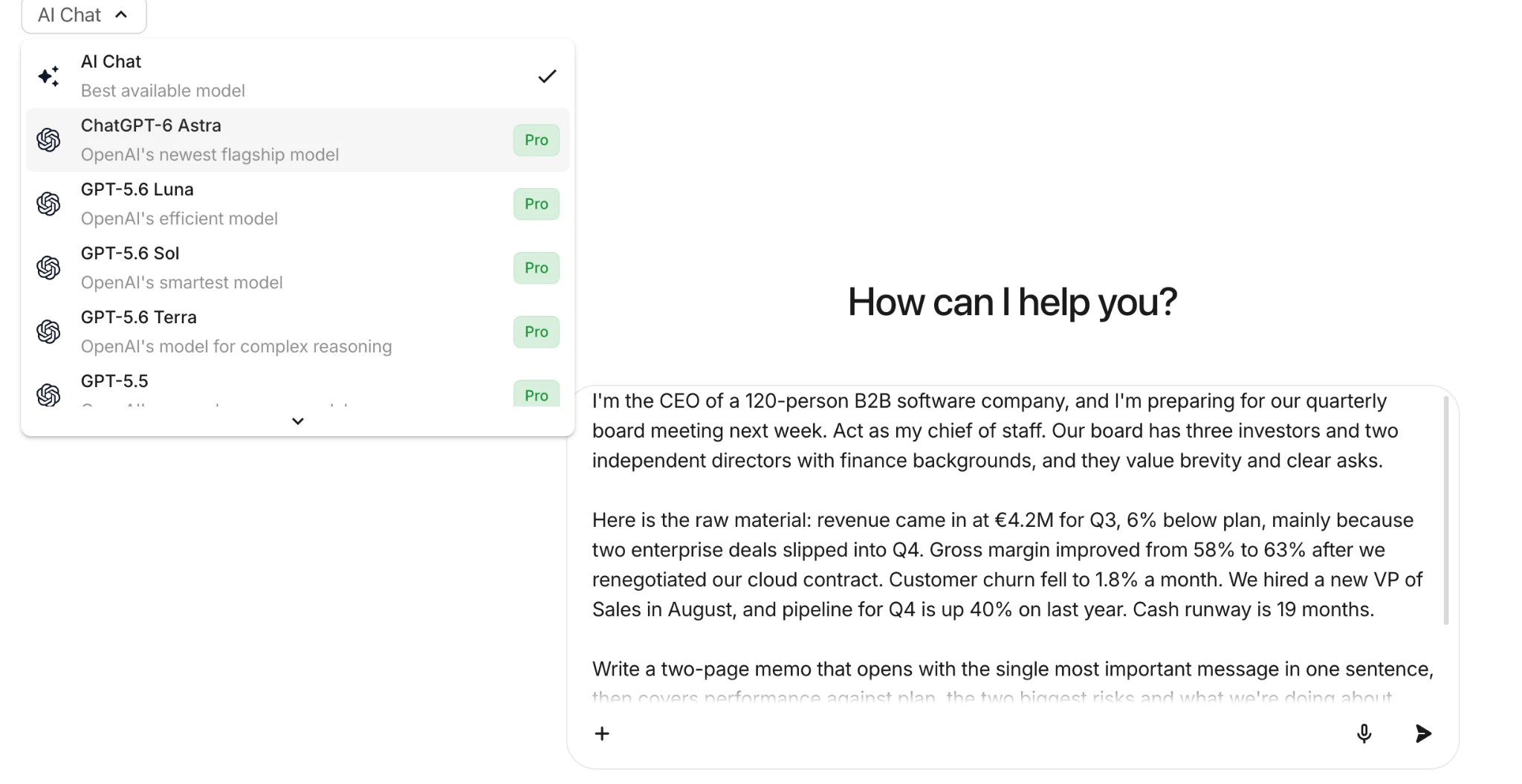
- Getting the board memo started. No more starting from a blank page. Leaders give the chatbot bullet points, last quarter’s numbers and the main message, then edit the draft that comes back. The thinking stays theirs, and the hour of formatting goes away.
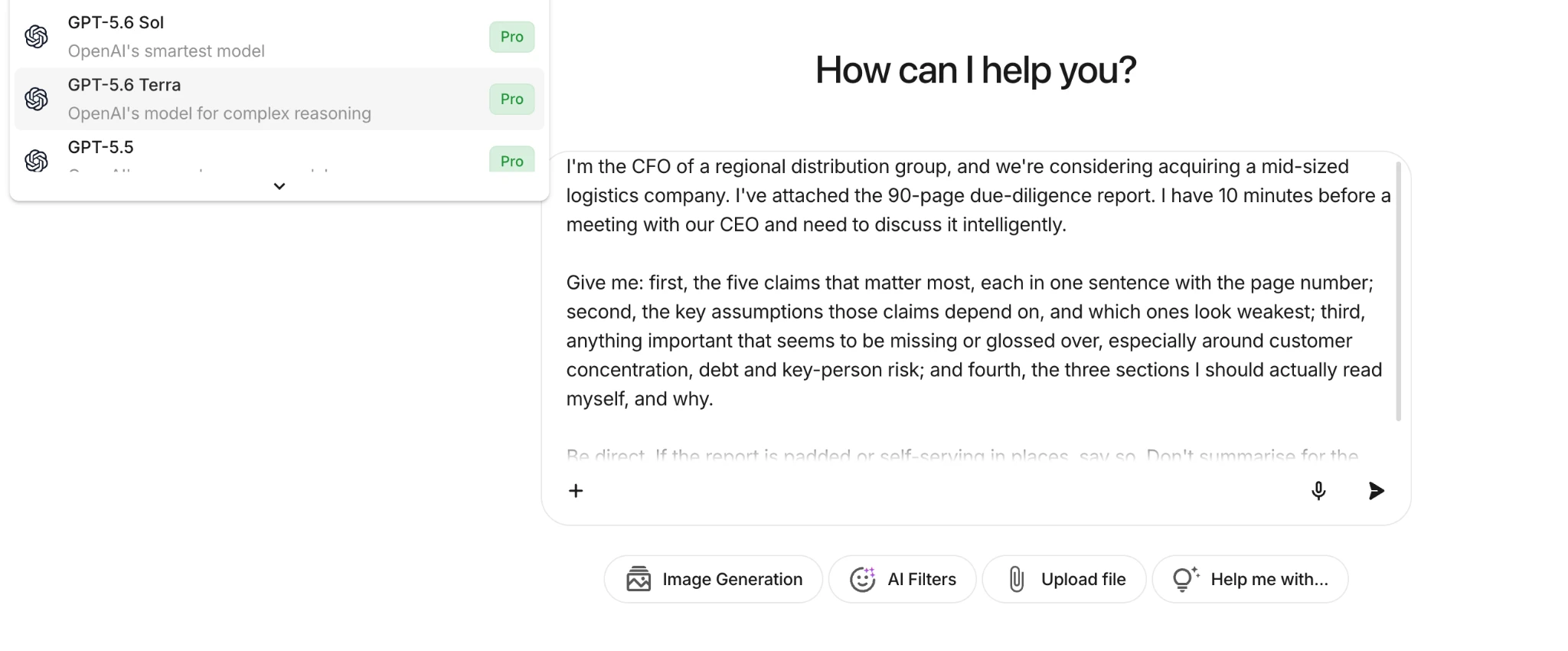
- Getting through a 90-page report in ten minutes. Analyst reports, due-diligence packs and dense contracts all qualify. Ask for the five claims that matter, the assumptions behind them and what is missing. Then read the sections that deserve a close look.
- Practising a hard conversation. Before a negotiation, the best users ask the AI to argue the other side. What will the supplier push back on? Where is our position weakest? It’s a sparring partner that never gets tired.
- A second opinion with no politics. A chatbot has no stake in the outcome, no career to protect and no reason to agree with the boss. Leaders use it to stress-test decisions with prompts like “What would have to be true for this to fail?”
- Getting up to speed on a new market. Before a meeting about an unfamiliar sector, regulation or technology, a 20-minute conversation with a chatbot can replace an evening of reading. You can then spend the meeting asking better questions.
None of this is revolutionary. That is the point. The value comes from doing many small things, consistently, every week.
The ROI problem nobody wants to say out loud
After all the spending, the returns are still hard to find. PwC’s 29th Global CEO Survey, covering more than 4,000 chief executives in 95 countries, found that more than half have yet to see revenue or cost benefits from AI. PwC’s own conclusion was blunt: we are in the early stages of the AI era.
IBM’s 2026 CEO Study shows how far expectations have fallen. Two years ago, 49% of CEOs expected generative AI to be their main growth engine by 2026. When 2026 arrived, only 10% said advanced or agentic AI was primarily driving growth.
This doesn’t prove AI is overhyped. It shows that many organisations bought access without building habits. A licence nobody opens produces no return. A tool used in passing produces passing value. The companies that pull ahead treat AI like any other operational change. They pick specific workflows, measure them and expect leaders to go first.
One chatbot, or all of them?
The more a leader uses AI, the sooner they notice that no single model is best at everything. One writes better prose. Another is stronger on numbers and code. A third handles very long documents better. Power users end up with a stack of subscriptions, usually around $20 a month each, with conversations spread across several browser tabs.
That is the problem multi-model apps are built to solve. Chatbox AI is one of the better-known examples. It is a single app for desktop, mobile and the web that lets you switch between models from OpenAI, Anthropic, Google, DeepSeek and others without leaving the conversation. You can use its built-in AI service or plug in API keys you already pay for.
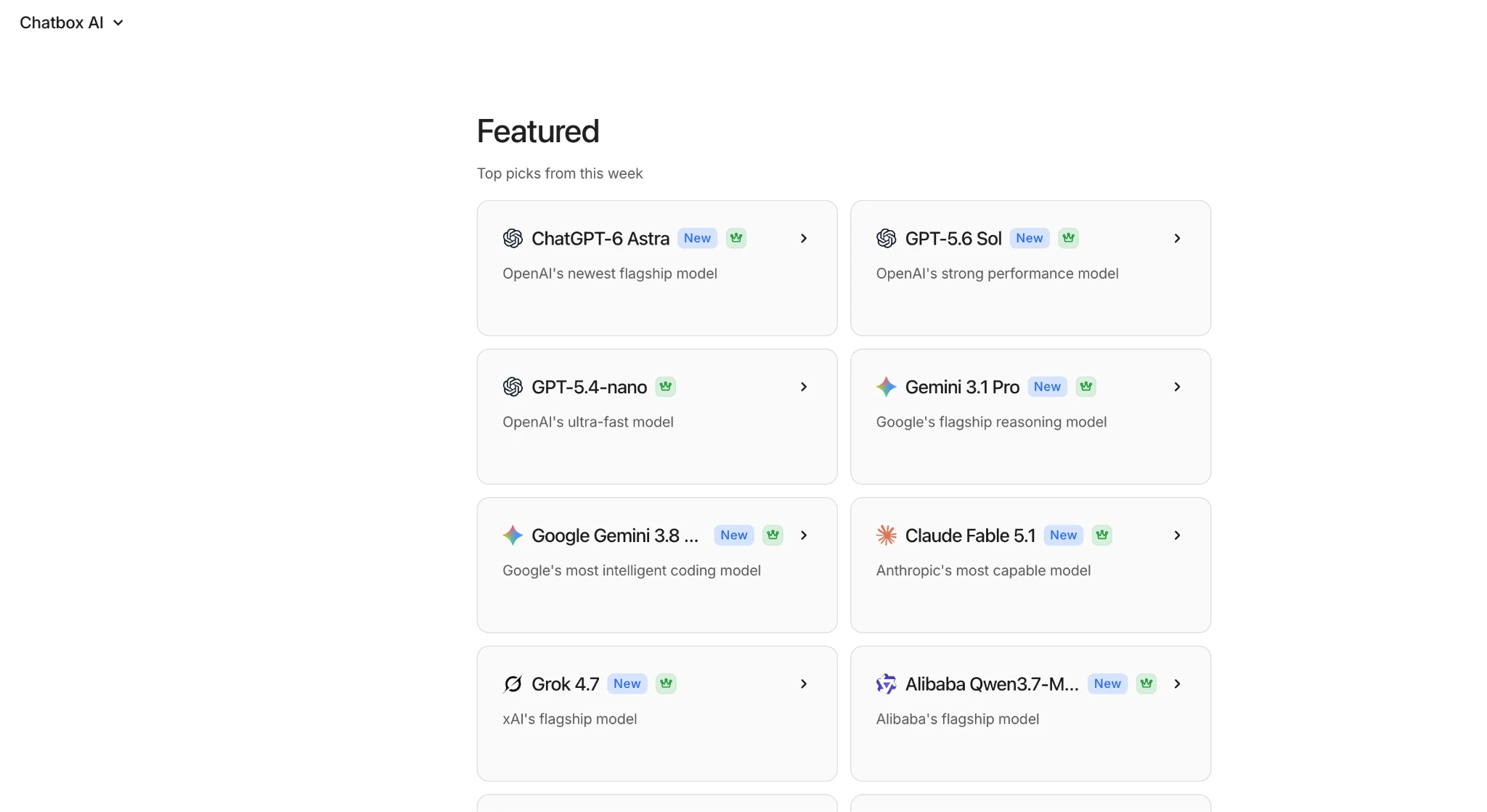
For an executive, the appeal is less about features than about focus. You get one place for every prompt, every draft and every second opinion. You can ask the same question of two models and compare their answers side by side, which is the cheapest way to catch a confident mistake.
Is Chatbox worth it, and is it legit?
These are the two questions people search for most, so here are direct answers.
Is Chatbox AI worth it? For most professionals who use AI every week, yes. Chatbox AI combines the leading models with image generation, live web search, voice input and a document assistant that summarises, extracts from and translates uploaded files. The company says a subscription costs about the same as a single GPT plan. If it replaces two or three separate subscriptions, the saving shows up in the first month.
Its most useful feature is switching models in the middle of a conversation. Ask GPT for an outline, then ask Claude to rewrite paragraph three. The new model sees the whole thread, and uploaded files stay attached, so getting a second opinion on a report doesn’t mean uploading it again.
Support is by email only, with no live chat. Serious use needs a paid plan: you can look around for free, but the full feature set is behind the subscription. Monthly, quarterly and annual billing are available, and the longer plans cost less per month.
If you only ever use one assistant and you’re happy with it, Chatbox AI is not worth it. You would be paying to solve a problem you don’t have.
Is Chatbox AI legit? Yes. Chat-box.ai is an established, working service. In August 2026, Gridinsoft’s website reputation check rated it-low-risk. It found no malware or phishing threats and noted positive feedback from more than 9,000 reviews. Users rate it highly on independent review platforms, too: 4.9 on Trustindex, 5.0 on Reviews.io and 4.8 on Trustpilot. Payment goes through standard card, Google Pay and Apple Pay checkouts. You can cancel from the billing section of your account and keep access until the end of the period you’ve paid for.
Five questions to ask before you pay for any AI tool
Chatbox is just one option. Whatever you are considering, these five questions separate a smart purchase from another unused subscription.
- Where does my data live? Find out whether conversations are stored on your device, on the vendor’s servers or with the model provider, and whether your inputs can be used to train models. For anything involving board materials, deal terms or employee data, this question decides the purchase.
- What exactly am I agreeing to pay? Read the billing terms before you need them. Check whether it renews automatically, how cancellation works, what happens to unused quota and whether the price changes after a trial. Most AI billing complaints come from details buyers didn’t check.
- Which models do I actually get? “Access to advanced AI” can mean anything. Ask for model names and usage limits on each plan. The model you tried in the demo may sit one tier higher than the plan you are buying.
- Can it work for a team, not just for me? If the tool is going to spread beyond your desk, look for shared workspaces, admin controls, central billing and a clean way to remove a user who leaves.
- How will I know it is working? Decide on the measure before you buy. It might be hours saved on reporting, time to a first draft or meetings that are shorter because people arrive prepared. A tool without a measure tends to become a line item nobody questions and nobody uses.
The leaders who win will be the ones who use it
The most important AI decision a leader makes this year isn’t which vendor to choose. It is about whether to become a real user.
The gap the surveys describe will not close because of another mandate. It closes when the person at the top drafts their next memo with a chatbot, argues with it before a negotiation and learns from experience what it does well. Spend a few weeks doing that and the questions about value get easier to answer. You will know which tools are worth paying for, because you will have used them.
Start small. Pick one recurring task this week and hand the first draft to a chatbot. Measure what it saves you. Then decide what deserves your budget.
