

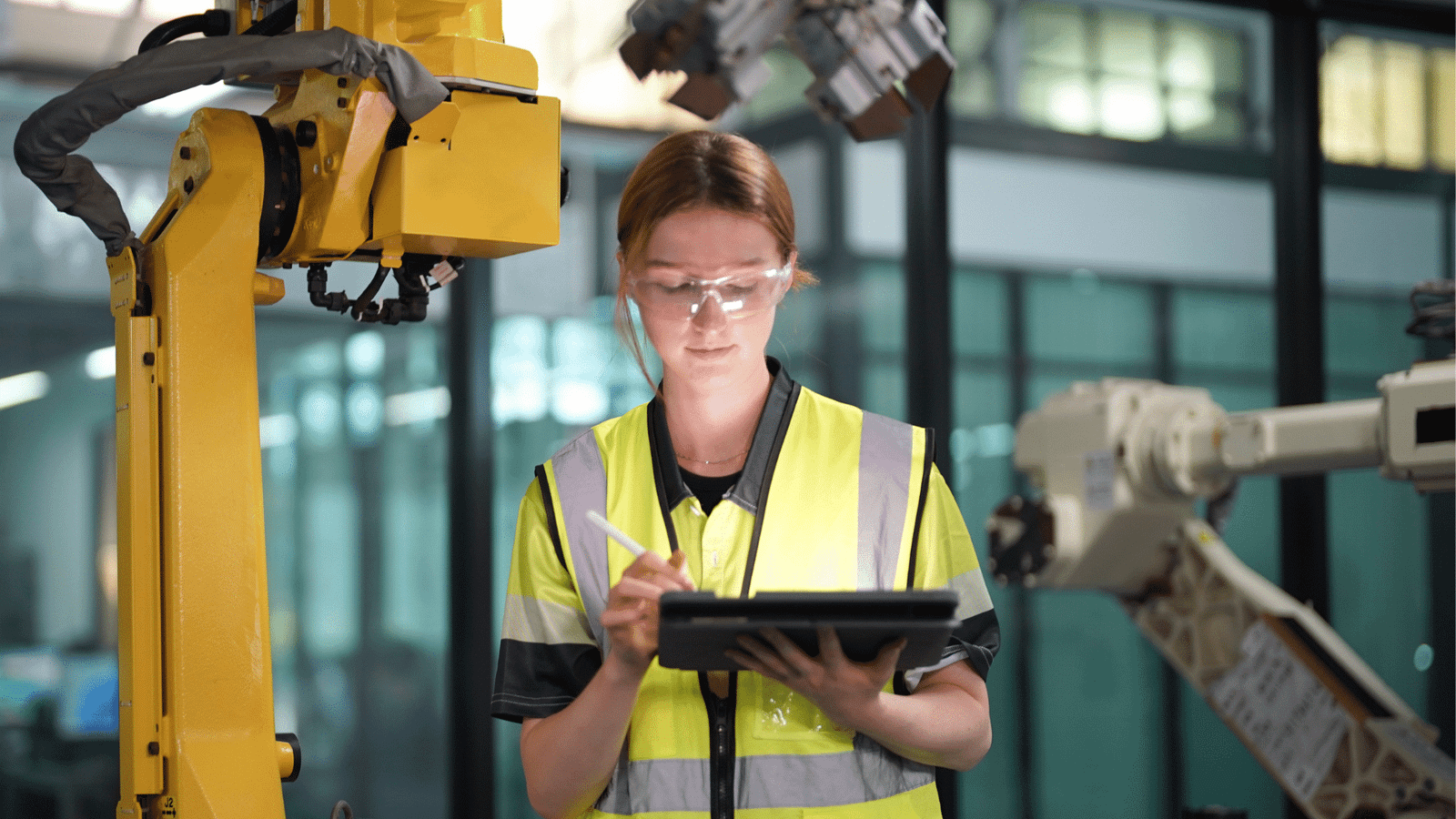
Digital signage in manufacturing closes that gap by putting live, centrally managed information on screens where people already work. This guide covers what it is, how manufacturers use it and what to check before choosing one.
What is digital signage in manufacturing?
Digital signage in manufacturing is the use of networked screens on the shop floor, in break rooms and at site entrances to share operational data, safety information and company updates with frontline workers. Content is managed through a cloud-based content management system (CMS), so one person can update screens on every line, or at every site, without walking the floor.
What separates it from a TV playing a slideshow is connection. A well-configured system pulls information from tools the plant already uses, such as BI dashboards, spreadsheets and Microsoft Teams, so screens stay current without anyone reposting content by hand.
Why screens work for frontline manufacturing teams
A screen is one of the few communication channels that asks nothing of its audience. There’s no login, no device to carry and no message to open. It delivers information in the moment someone walks past.
That matters when most of the workforce is deskless. In research ScreenCloud conducted with Google ChromeOS across 2,400 respondents, 59% of deskless workers said workplace screens made them more productive. And 86% of decision-makers said screens had a positive influence on morale, compliance and performance.
How manufacturers use digital signage
1. Production dashboards and KPIs
Live production dashboards showing output against target, scrap rates, order status or overall equipment effectiveness (OEE) give operators the same picture their supervisors see. Ricoh UK Products Limited uses screens this way, so operators can track performance against their targets.
2. Health and safety communication
Screens keep PPE requirements, lockout/tagout reminders and site-specific protocols in view at the point of risk. When conditions change suddenly, such as a chemical spill or an evacuation, emergency alerts can be broadcast across the site rather than relying on word of mouth over machine noise.
3. Shift handovers and operational notices
Maintenance windows, line changeovers, schedule changes and visitor notices can be scheduled to appear during the shifts they affect. The right crew sees them, and they drop off once they no longer apply.
4. Training and onboarding
Short training videos, SOP refreshers and on-the-job announcements give new starters and experienced staff a consistent reference point. Break areas work well for this, since people have a few minutes to watch.
5. Company news for people without email
Site news, recognition and leadership updates reach people who would otherwise hear them secondhand, or not at all.
What to look for in a manufacturing digital signage system
Installing screens is the easy part. Keeping content accurate across dozens or hundreds of them is harder. One ScreenCloud customer, Orbia, described running nine separate legacy signage systems, with many screens showing outdated information because updating them was too complicated.
Before choosing a system, check for:
- Remote management across sites. You should be able to monitor, update and troubleshoot every screen from one dashboard, without sending IT to each plant.
- Integrations with existing tools. Screens should pull from the dashboards, spreadsheets and messaging apps you already use, rather than creating a separate content workflow.
- Ease of use for non-technical staff. Supervisors and EHS leads should be able to publish an update without raising a ticket.
- Security you can verify. Look for independent certifications such as SOC 2 Type 2, plus controls over who can publish to which screens.
- Hardware suited to the environment. Use commercial-grade displays and media players, with protective enclosures where dust, heat or washdowns are a factor.
How to get started with digital signage on the factory floor
Start with one site or one production line. Choose two or three content types that solve a known problem; a KPI board and safety reminders are common first choices. Name an owner for each screen zone, and connect at least one live data source so screens update themselves.
After a few weeks, check two things: are people reading the screens, and is the information still current? Use the answers to plan a wider rollout.
ScreenCloud is a workplace communication platform used by more than 10,000 organizations in over 60 countries, including manufacturers such as Ricoh, Milwaukee Tool and Milliken. See digital signage in manufacturing in action on the factory floor, or start a 14-day free trial with no card details required.
