

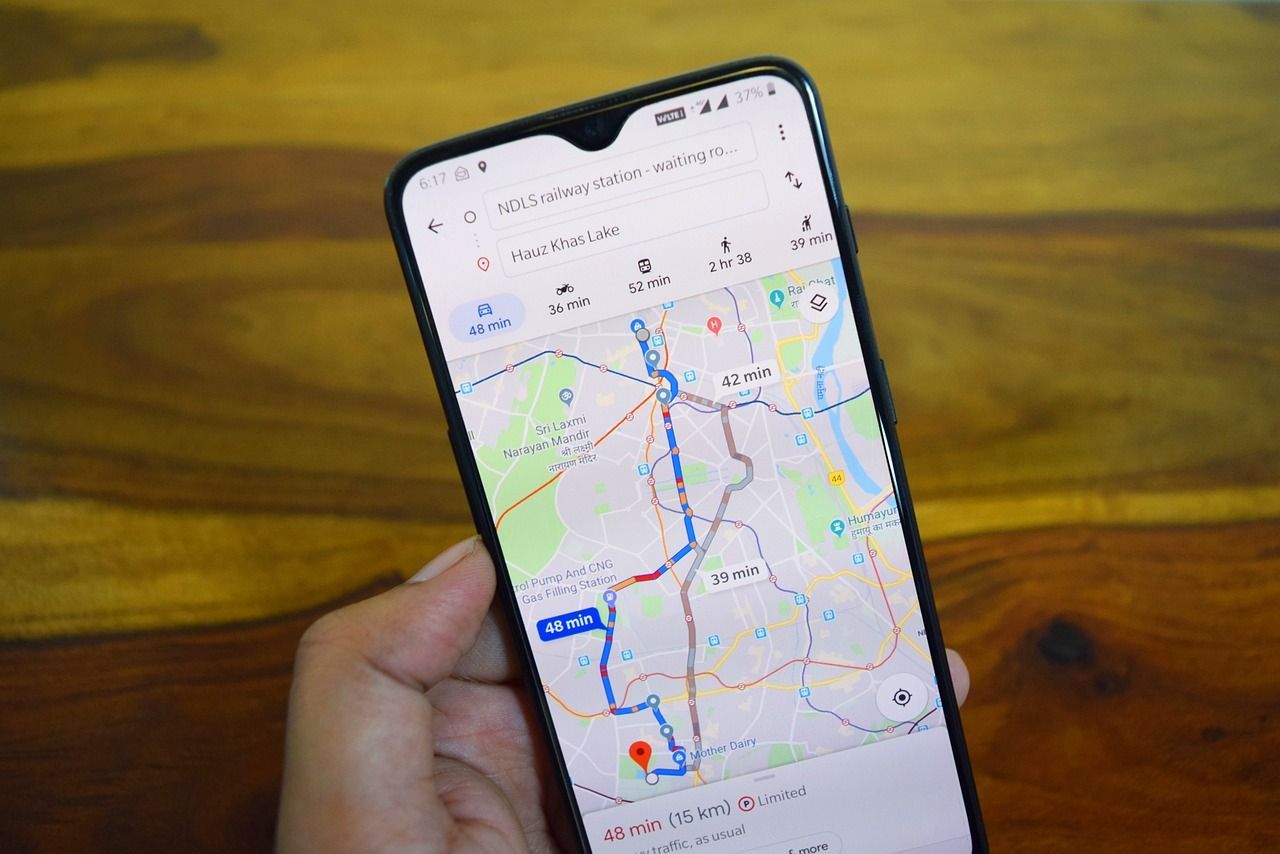
Ever wanted to learn how to find someone’s location on Google Maps without them knowing it? This article will not only detail the Location Sharing feature and finding someone’s location on Google Maps, but it will also provide some alternatives. However, such a discussion would be remiss without a tidbit about respecting privacy boundaries and getting another’s consent.
Understanding Location Sharing
On Google Maps, people can share their location. People linked to your Google Contacts are the ones who can see your location, and you can see theirs in real-time. However, there may be times when a warning screen appears because certain countries or regions don’t allow location sharing. Likewise, your workplace may disable it, or it’s because the device’s user is a minor with preset parental controls.
Ensuring Consent and Legal Considerations
Before getting into the details about how to use Google Maps in this way, it’s imperative to talk about consent, respecting privacy boundaries, and other legal considerations. Primarily, the person you intend to track should be aware of what you’re doing. It is illegal and unprincipled to spy on someone without them knowing it. So, you can’t see someone’s location secretly.
Respecting Privacy Boundaries
Modern technology presents some serious privacy concerns. In the US Constitution, the Fourth Amendment explicitly discusses privacy and our inherent right to it. This means no one can invade your papers, houses, and effects without consent. So, when you track someone without their knowledge on American soil, you are breaking the law.
Therefore, always ask for permission before tracking someone on Google Maps; either they’ll agree or they won’t. To do this through your device, start Google Maps via iPhone or Android. Select your account avatar at the screen’s top right corner. Next, select “Location Sharing” and tap on a contact available in the list. Now, hit “Request” and wait for the contact to respond.
Utilizing Location Features on Google Maps
To use Google Maps with either iPhone or Android, open the Google Maps app and tap on the account avatar. Then, select “Location Sharing.” Your contact list should appear, with those currently sharing their locations at the screen’s bottom. To find them, click on their name and the map will hone into their position.
Sharing Your Location
If you would like to share your location on Google Maps, the person you want tracking you should enable Location Sharing as described above. Now, open the Google Maps app on your device, tap your account avatar and select “Location Sharing.”
For first-timers, you must choose “Share Location” on the “Stay Connected” interface. Otherwise, opt for “New Share.” Tap on the contact with who you want to share your location and select the length of time you want to share it (or until you manually turn it off). Finally, hit “Share” and it will begin synchronizing.
Alternatives to Google Maps
Of course, Location Sharing on Google Maps is a little sketchy because it leaves us open for anyone to access our position. So, there are a few apps with a modicum of privacy in monitoring and tracking other people. You can try any one of these amazing apps:
1. Number Tracker
Number Tracker is a software designed to help users identify and trace phone numbers. It serves as a valuable tool for individuals who want to determine the source of incoming calls or messages. With features like reverse phone number lookup, it provides users with information about the caller’s location, service provider, and other relevant details. This software is particularly useful for enhancing personal security and managing communication effectively.
2. Mobile Spy
Mobile Spy is a comprehensive monitoring solution designed for parents and employers to keep a close eye on mobile device activities. It offers features such as call monitoring, text message tracking, GPS location tracking, and even social media monitoring. Geared towards ensuring the safety of children or monitoring employee productivity, Mobile Spy provides real-time insights into mobile device usage, making it an effective tool for responsible digital oversight.
3. Family Orbit
Family Orbit is a family-oriented software solution that focuses on enhancing digital safety and communication within families. It includes features like location tracking, geofencing, and app usage monitoring, providing parents with the tools to manage and protect their children’s online activities. Additionally, it facilitates easy communication between family members through features like shared calendars and location alerts, fostering a sense of security and connectedness.
4. CocoLookup
CocoLookup is a versatile software designed for efficient contact management and communication. With features like contact organization, caller identification, and spam call blocking, CocoLookup aims to streamline communication processes for users. It enhances user experience by ensuring that calls and messages are organized, and users can easily identify and manage their contacts. The software contributes to improved communication efficiency and helps users maintain control over their contact list.
These software solutions cater to various needs, from personal security and family well-being to efficient communication and contact management. Users can choose the one that aligns with their specific requirements for a more tailored digital experience.
Conclusion
While this technology can be incredibly useful, it can also be very dangerous. If you choose to use Google Maps or some other app for Location Sharing, be sure to use it wisely. Respect the privacy of others by ensuring you have their permission and avoid exposing yourself to nefarious characters who don’t have your best interests in mind.
