

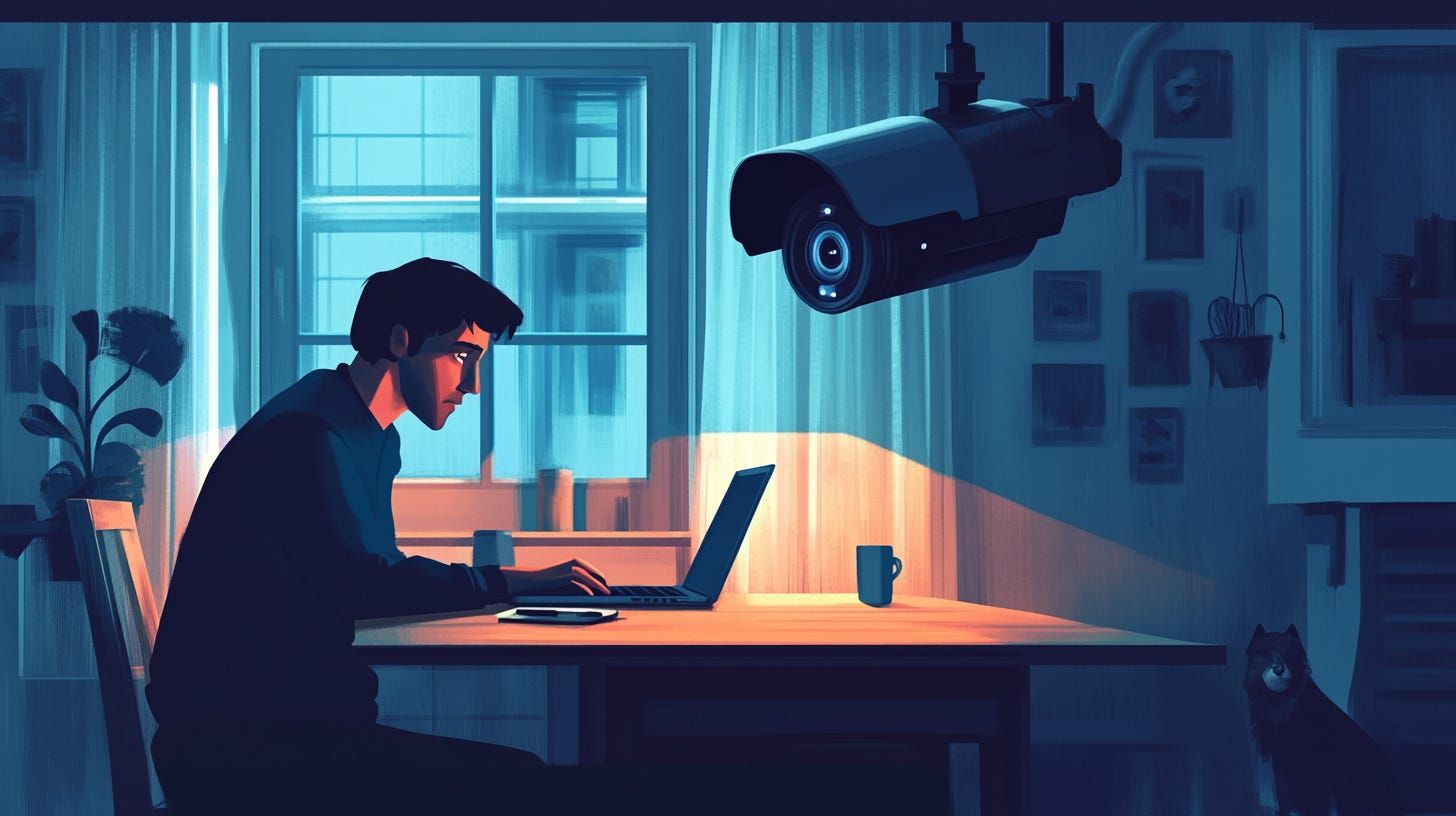
One teammate falls behind without speaking up. Another is always in meetings but rarely finishes core work. You’re fielding questions, chasing updates, and guessing who’s actually focused. With no shared view of how the remote team works, structure slips, and so does progress.
This article explores how to create a structure that keeps everyone on track without adding pressure. Remote tracking software gives you the visibility to support your team at the right time, with context, and without micromanaging.
What Disrupts Structure When No One’s Watching
Structure breaks down fast when remote and hybrid work runs on assumptions. You don’t need daily status checks, but you do need shared clarity. Without it, deadlines stretch, focus scatters, and coaching gets delayed.
Here’s where structure starts to slip:
- Workload Drift Gets Missed: Some teammates carry more than others, but it’s not obvious until something falls behind.
- Focus Time Shrinks to Zero: Calls, chats, and split attention push deep work off the calendar.
- You Step In Too Late: Without signals, it’s hard to know when to check in or where to step in.
- No One Sees the Same Picture: Teams work in silos without shared data to guide check-ins or reviews.
How to Build a Structure That Doesn’t Feel Like Surveillance
Structure doesn’t mean surveillance. It means giving your team just enough guidance to stay on track without constant oversight.
Here’s how to guide with clarity, not pressure:
1. Protect Focus with Consistent Time Blocks
Most employees say they get 46% less focus time than they actually need to do their best work. Protecting time for deep work starts with setting daily or weekly blocks where meetings and chats are off limits. These blocks help your remote and hybrid teams reset attention and make real progress on core tasks.
Focus fades when the schedule gets overrun by pings and calls. If you don’t reserve quiet hours, work stretches longer and progress slows, even for high performers. You risk turning every day into multitasking without momentum.
Pick a 2-hour block that overlaps with your team’s most active period. Label it clearly and treat it as protected. Use usage trends to confirm that it stays clean. If distractions creep in, adjust the window and reset expectations as a team.
How can a remote activity observation platform protect focus time?
A remote activity observation platform shows which hours get the most context switching across the team. One teammate’s most productive window could be repeatedly interrupted, prompting you to reschedule a standing meeting to protect that focus time.
2. Rebalance Workload with Visible Effort Trends
Rebalance task ownership based on visible patterns of effort, not assumptions. Use consistent weekly check-ins to review where time and attention are going across core work. This helps you assign responsibilities in line with real capacity, not just availability.
Without that visibility, the load often gets handed out based on habit. The same teammates take on more while others stay underused. That pattern builds until something slips, and by then, you’re reacting late.
Before the week starts, scan activity trends to check where focus time is steady, who’s consistently active across tools, and who’s been overloaded. Use that view to adjust ownership fairly and reduce silent bottlenecks.
How can a remote workflow analytics engine support fair workload distribution?
A remote workflow analytics surfaces workload patterns across the team, including time in key apps and multitasking trends. Say one teammate shows steady engagement across three active tools while another logs minimal activity, you could use that signal to shift the next task and avoid piling too much on one side.
3. Track Subtle Shifts Before They Escalate
Watch for early signals that someone’s starting to drift, such as reduced focus time, increased idle hours, or sharp drops in tool activity. These small shifts tend to show up before a deadline slips or a teammate brings it up.
If you wait for work to fall behind, you’re already too late. Delayed coaching usually leads to patchwork fixes and missed expectations.
Set alerts for trends that fall outside the usual range, like a steady decline in engagement or sudden changes in app patterns. Let that signal open the door to a quick reset. Ask what’s blocking progress, shift the load if needed, and keep momentum steady.
How can a remote worker efficiency tool help you catch problems early?
A remote worker efficiency tool highlights unusual shifts in patterns, like drops in focus time or long stretches of app inactivity. After several days packed with meetings, one teammate’s focus time could start to slip, and that trend might prompt you to reshuffle priorities before momentum fades.
4. Make Dashboards a Shared View, Not a Scorecard
Use dashboards as a way to keep the whole team aligned. Not to monitor, but to stay on the same page. Show trends like time in focus, app usage, or overall activity so teammates can spot changes early and self-correct.
Without shared views, coaching feels one-sided. Teammates don’t know what’s being tracked or how their effort shows up.
Make it normal to review dashboards together during weekly syncs or 1:1s. Keep the focus on trends, not daily breakdowns. Let the data start the conversation so feedback feels mutual, not personal.
How does employee monitoring software help guide coaching?
Insightful.io employee monitoring software shows how each teammate spends time across focus work, apps, and idle moments, making effort patterns easier to read.
For example, a teammate stays active all day but rarely uses core tools. That signal could prompt you to check in to uncover blockers and redirect the work.
5. Use Smart Tools to Strengthen Structure Without Adding Pressure
Monitoring tools support structure by showing you where to step in and where to give space. It gives you context without forcing check-ins or assumptions.
Here’s how it supports structure without adding pressure:
- Live Focus Trends: Track when the team is most engaged so you can protect deep work hours.
- Activity-Based Load Balancing: Use effort data to assign work more evenly and prevent burnout.
- Signal-Driven Check-ins: Let alerts guide your timing instead of relying on guesswork.
- Team-Visible Dashboards: Make progress easy to see so feedback stays clear and grounded.
Conclusion
When structure is informed by data rather than assumptions, remote and hybrid teams operate with greater clarity. Monitoring software provides the visibility needed to coach effectively, offer timely support, and make adjustments before progress stalls. This approach maintains momentum without resorting to direct oversight.
