



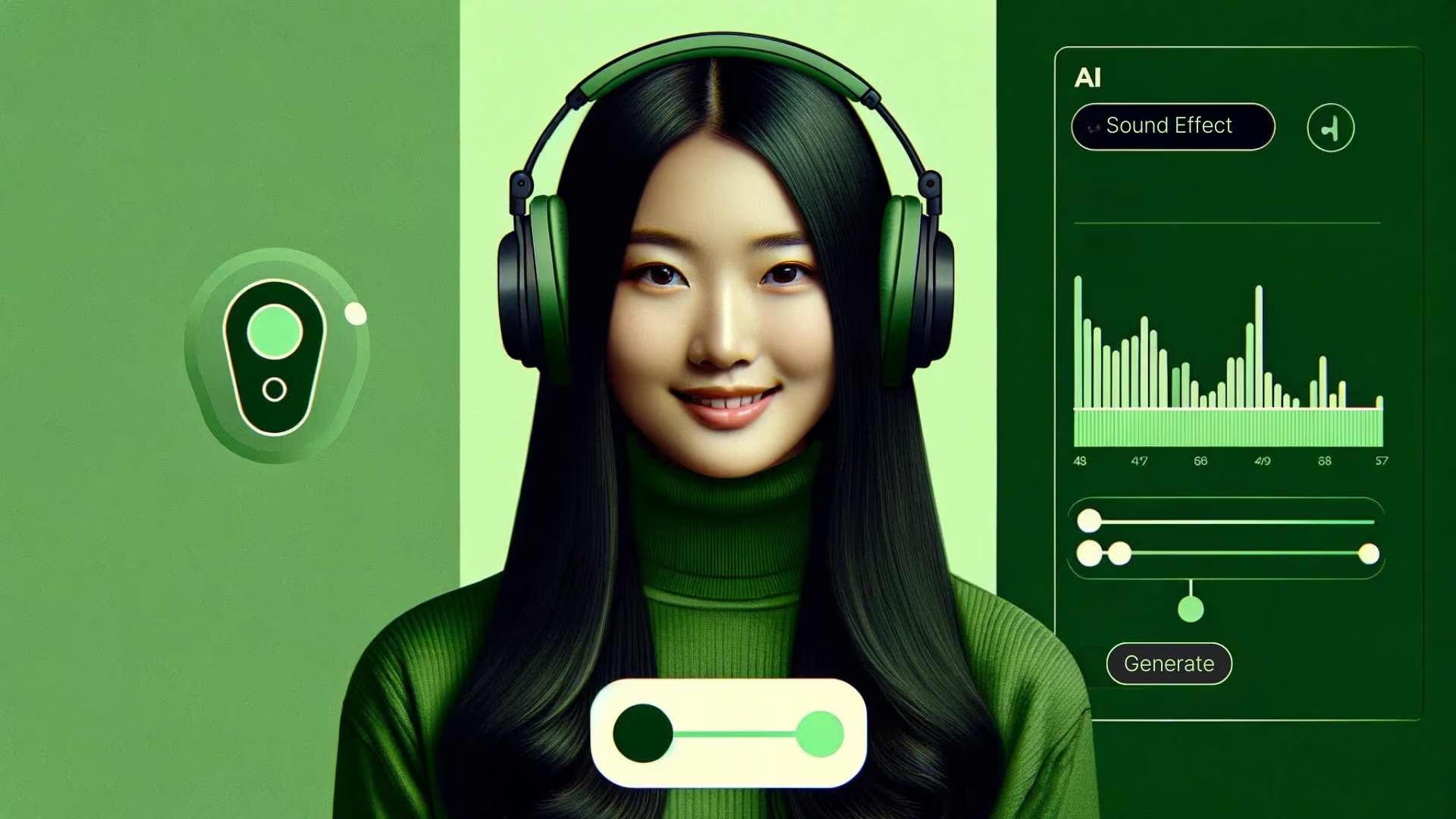
In today’s fast-paced digital landscape, content creators face a common challenge: finding perfect sound effects without draining time or budgets. Enter the AI sound effect generator—a revolutionary technology transforming how we approach audio production. This guide explores everything you need to know about this game-changing tool.
What Is AI Sound Effect Generator?
AI sound effect generator is an intelligent tool that converts text descriptions into professional-quality audio effects. Unlike traditional methods requiring browsing massive sound libraries or hiring audio engineers, this technology uses advanced artificial intelligence to understand your written prompt and create matching sounds in seconds.
Think of it as having a virtual sound designer at your fingertips. Type “distant thunder rumbling” or “footsteps on wooden floor,” and the AI generates a unique sound matching your vision. Modern platforms have democratized sound design, making professional-grade audio accessible regardless of technical expertise or budget.
Why Creators Are Switching to AI Sound Generation
Eliminating Cost Barriers
Traditional sound libraries cost hundreds or thousands of dollars. Professional sound designers charge premium rates. A free ai sound effect generator eliminates these financial hurdles by offering unlimited generations, giving independent creators access to quality audio that once required substantial budgets.
Saving Precious Time
Searching through sound libraries for that perfect effect consumes hours of valuable production time. AI-generated sounds arrive in seconds, letting you test multiple variations quickly and keep creative momentum flowing.
Ensuring Licensing Freedom
Copyright concerns plague creators who download sounds from questionable sources. With AI-generated audio, licensing headaches disappear. Most platforms provide royalty-free outputs, giving full rights to use sounds in personal and commercial projects without legal worries.
Unlocking Unlimited Creativity
The most transformative aspect is creative freedom. Traditional libraries are limited to previously recorded content. An ai sound effect generator creates sounds that may never have existed before—perfect for unique scenarios, sci-fi projects, or abstract concepts.
How to Use an AI Sound Effect Generator: Step-by-Step
Step 1: Access Your Platform
Begin by opening your chosen text to sound effect platform. Modern tools operate entirely in browsers, requiring no downloads. Look for interfaces offering intuitive controls, quick processing, and clear quality specifications.
Step 2: Craft Your Audio Description
Writing effective prompts is crucial. Instead of generic terms like “rain,” try “gentle rain falling on tin roof with distant thunder.” Include sensory details about texture, distance, intensity, and environment. For ambient sounds, describe settings: “busy city street at noon with honking cars and pedestrian chatter.” The more specific your description, the better the AI delivers what you envision.
Step 3: Set Duration Parameters
Most platforms let you specify sound length. Consider project needs carefully. Video editors might need 3-second stingers, while game developers may want 10-second loops. Setting the right duration upfront saves editing time.
Step 4: Generate and Evaluate
Click generate and listen critically. Does the sound match your description’s mood and intensity? Consider how it layers with other audio. Does it occupy the right frequency range?
Step 5: Download and Integrate
Once satisfied, download your sound in the appropriate format. MP3 works for most applications, while WAV provides lossless quality for professional productions. Import into your video editor, game engine, or podcast software.
Real-World Use Cases Across Industries
Video Production and Filmmaking
Independent filmmakers now access cinematic-quality sound design previously out of reach. Need subtle door creaks for horror scenes or marketplace ambience for documentaries? An ai sound effect generator delivers these sounds instantly, building immersive worlds without expensive location recording or library subscriptions.
Game Development
Game developers face unique audio challenges. Every action needs corresponding sounds, and players experience effects repeatedly. AI generation allows creating variations of footsteps, weapon sounds, UI clicks, and environmental ambience quickly, preventing audio fatigue and making game worlds feel dynamic.
Podcast Production
Podcasters use AI-generated sounds to enhance storytelling, create transitions, and add production polish. Whether you need subtle background tones to set mood or punchy effects to punctuate punchlines, instant access to custom audio elevates your show’s quality.
Social Media Marketing
Social media managers work under tight deadlines, creating multiple daily content pieces. An ai sound effect generator speeds production by providing on-demand audio for Instagram Reels, TikTok videos, and YouTube Shorts. Custom sound logos help companies build recognizable sonic identities.
E-Learning Content
Online educators use sound effects to maintain student engagement and illustrate concepts. Science videos about weather benefit from realistic thunder and rain. History lessons come alive with period-appropriate audio. Generated sounds make educational content more immersive without expensive production resources.
VR and AR Experiences
Virtual and augmented reality demand rich soundscapes for convincing immersion. Developers use AI-generated audio to populate virtual environments with realistic spatial sounds, from rustling leaves to mechanical hums, creating more believable worlds.
Maximizing Quality: Expert Tips
Write Vivid Descriptions: Think like a writer, not a searcher. Instead of keywords, write full sentences painting complete pictures. “Ocean waves” becomes “powerful ocean waves crashing against rocky cliffs with seagulls calling overhead.”
Specify Acoustic Properties: Include details about reverb, echo, and spatial characteristics. “Footsteps in large cathedral” sounds vastly different from “footsteps in small room.” These contextual details help the ai sound effect generator create more accurate results.
Consider Layering: Don’t expect one sound to do everything. Generate multiple elements and layer them. Create separate sounds for base rumble, impact, and aftermath of explosions rather than requesting one complex effect.
Test in Context: Always preview sounds within your actual project alongside other audio elements. A sound working perfectly in isolation might conflict with your music or dialogue when mixed.
Build a Personal Library: When you generate something excellent, save it with descriptive filenames. Build your own collection of go-to sounds for future projects.
Choosing the Right Platform
When selecting an ai sound effect generator, evaluate several factors. Free access is attractive, but verify what “free” includes—some platforms limit duration, quality, or commercial usage. Check licensing terms carefully.
User interface matters significantly. Look for clean, intuitive designs letting you focus on creativity. Processing speed varies between platforms; faster generation means more experimentation. Output quality is paramount—test platforms with identical prompts to compare clarity, richness, and realism.
The Future of AI-Powered Audio
The technology behind AI sound generation evolves rapidly. We’re witnessing improvements in audio fidelity, duration capabilities, and AI understanding of complex prompts. Future developments will likely include better spatial audio support, real-time generation for interactive applications, and sophisticated control over acoustic parameters.
Integration with existing creative software is expanding. Imagine generating custom sounds directly within your video editor or game engine without leaving your workflow. This seamless integration represents the next frontier.
As tools become more sophisticated, the line between AI-generated and traditionally recorded audio continues blurring. This doesn’t diminish human sound designers’ value; rather, it frees them from tedious tasks to focus on creative direction and complex challenges requiring human artistry.
Getting Started Today
The barrier to entry has never been lower. Modern ai sound effect generator platforms require no special skills, expensive equipment, or audio engineering knowledge. You simply describe what you want to hear, and technology delivers.
For content creators, this represents a paradigm shift. Time previously spent searching libraries or waiting for custom sound design can now be redirected toward creativity and production. Budget constraints that once limited audio quality no longer restrict your vision.
Whether you’re producing your first YouTube video, developing an indie game, launching a podcast, or creating social media content, AI-generated sound effects provide professional-quality audio matching your creative ambitions. The technology empowers creators at every level to produce content that sounds as good as it looks.
The revolution in audio production is here, accessible to anyone with an internet connection and an idea. Start experimenting with an ai sound effect generator today, and discover how this technology can transform your creative projects from good to exceptional.


