



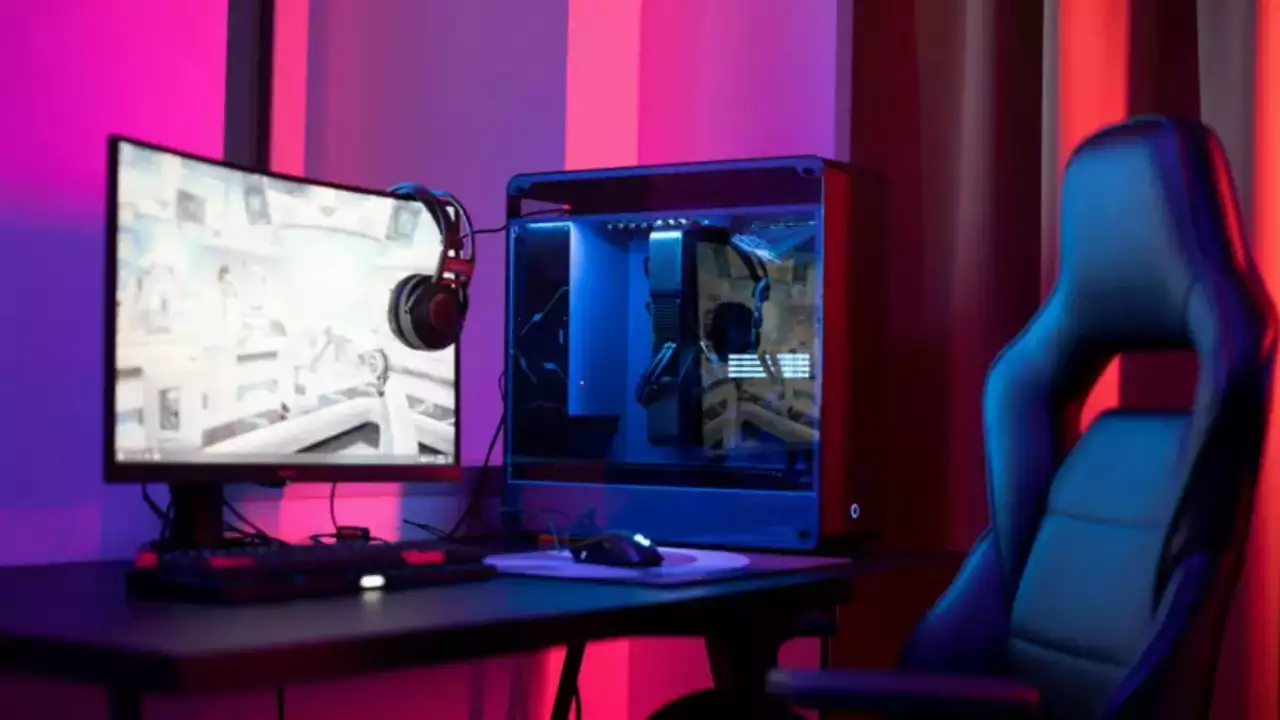
In gaming, comfort is paramount. Whether engaged in marathon sessions or quick bouts, the ergonomics of your gaming setup can significantly impact your performance and overall well-being. Embracing ergonomic design principles can transform your gaming experience, providing comfort and enhancing focus, reducing strain, and promoting healthier gameplay habits.
The Importance of Proper Posture
One of the cornerstones of ergonomic gaming, like the Hinomi H1 Pro Gaming Chair, is maintaining proper posture. Slouching or hunching over can lead to muscle strain, fatigue, and long-term issues like back pain and repetitive strain injuries. A well-designed gaming setup encourages a neutral spine position, with support for the lower back and adequate height for the monitor to prevent neck strain.
Optimizing Your Gaming Workspace
Your gaming chair serves as the throne of your gaming kingdom. Look for chairs with adjustable height, armrests, and lumbar support to customize your body’s needs like those from Hinomi. Additionally, investing in an ergonomic desk and keyboard tray ensures that your arms and wrists are correctly aligned, reducing the risk of discomfort and conditions like carpal tunnel syndrome. Adjustable armrests, lumbar support, and tilt mechanisms ensure comfort for users of various body types.
Finding the Perfect Peripherals
From mice to keyboards, gaming peripherals are crucial in ergonomic gaming. They are designed to fit comfortably in hand, reducing strain during extended gameplay sessions. Meanwhile, ergonomic keyboards feature layouts and key shapes that promote a more natural hand position, minimizing the risk of wrist strain and fatigue.
The Benefits of Proper Lighting
Proper lighting is often overlooked but is integral to a comfortable gaming environment. Harsh glare and insufficient lighting can cause eye strain and headaches, detracting from your gaming experience. Opt for indirect or adjustable lighting to reduce glare and ensure your gaming area is adequately illuminated without causing discomfort.
Taking Breaks for Better Gameplay
Even with the most ergonomic setup, taking regular breaks is essential to rest your eyes, stretch your muscles, and rehydrate. Incorporating short breaks into your gaming sessions reduces the risk of physical discomfort, helps maintain mental focus and prevents burnout.
Incorporating Movement into Gaming
Contrary to popular belief, ergonomic gaming is more than just sitting still for hours. Incorporating movement into your gameplay can help prevent stiffness and promote circulation. Consider investing in a gaming treadmill or simply stretching during loading screens or cutscenes.
The Future of Ergonomic Gaming
As technology advances, so does the ergonomic gaming field. From motion-capture systems that adapt gameplay to your movements to VR headsets that immerse you in virtual worlds while prioritizing comfort, the future holds exciting possibilities for gamers seeking the perfect balance of performance and well-being.
Adjusting Monitor Height and Placement
Ergonomic gaming extends beyond the physicality of your chair and peripherals to include the positioning of your monitor. The ideal setup ensures that your eyes are level with the top of the screen, reducing strain on your neck and shoulders. Adjustable monitor mounts allow for flexibility in height and angle, enabling you to find the optimal viewing position for maximum comfort and visual clarity.
Investing in Gaming Eyewear
Gaming eyewear isn’t just a fashion statement; it’s a practical solution for reducing eye strain and fatigue during extended gaming sessions. Specialized lenses filter out blue light emitted by gadget screens, which can disrupt sleep patterns and cause digital eye strain. Additionally, gaming glasses may feature anti-glare coatings and magnification options to enhance visual comfort and clarity, allowing you to game longer and more comfortably.
Creating a Calming Gaming Environment
In the fast-paced gaming world, creating a calming atmosphere can work wonders for your mental well-being and gaming performance. Consider incorporating soothing background music, aromatherapy diffusers, or noise-cancelling headphones to minimize distractions and promote relaxation. A clutter-free and organized gaming space reduces visual stress and fosters a sense of serenity conducive to immersive gameplay.
Ergonomic Gaming on the Go
Maintaining ergonomic principles can be challenging for gamers who are always on the move. However, portable gaming setups can still prioritize comfort and functionality. Look for lightweight and compact gaming peripherals designed with ergonomic features, such as travel-friendly mice with adjustable DPI settings and collapsible ergonomic keyboards. Investing in a supportive gaming backpack or carrying case can help distribute weight evenly and prevent strain while transporting your gear.
Ergonomics isn’t just a buzzword; it’s a fundamental aspect of optimizing your gaming experience. By embracing ergonomic design principles and investing in the right equipment, like those of the hinomi h1 pro gaming chair, you can create a gaming setup that enhances your comfort and improves your performance and longevity as a gamer. So, take the time to evaluate your gaming environment and make the necessary adjustments to meet your ergonomic needs. Your body—and your gameplay—will thank you for it.


