



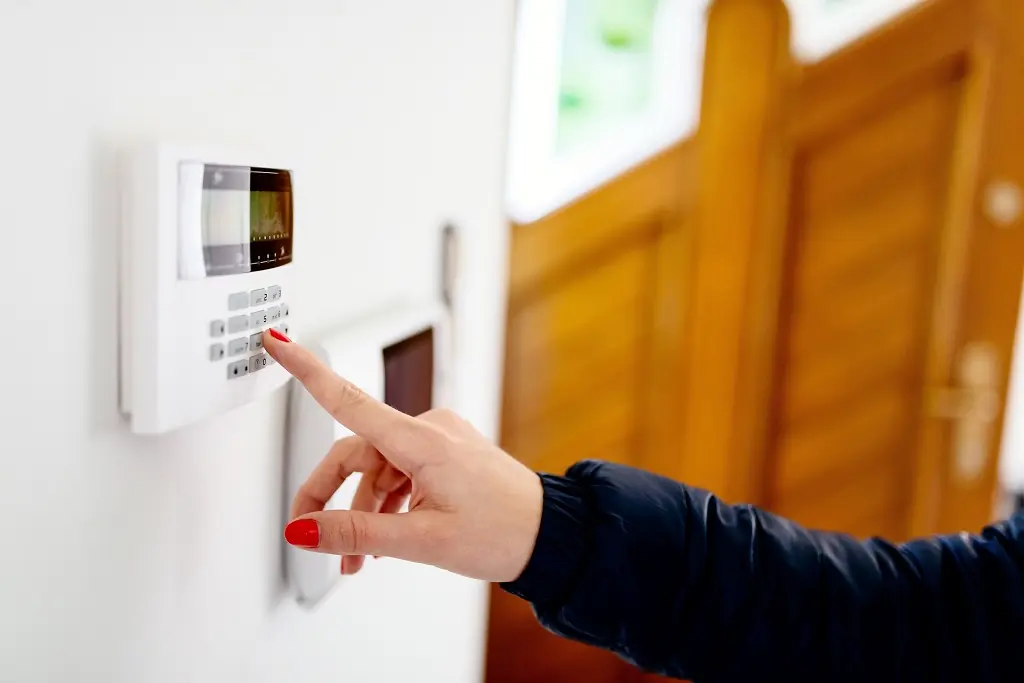
A triggered burglar alarm can be stressful, especially when you don’t have the code to reset it. The incessant noise and flashing lights can disrupt your peace and draw unwanted attention. Many homeowners face this issue, often unsure of the right steps to take.
Fortunately, resetting a burglar alarm without a code isn’t as complicated as it seems. With the right approach, you can silence the alarm and restore order in no time. This guide will walk you through practical solutions to regain control of your security system quickly and effectively.
Why Alarm Systems Lock Out Users Without a Code
Alarm systems lock out users to maintain security and prevent unauthorized access. These systems are designed to restrict tampering by requiring a code to disable or reset the alarm. Without this measure, anyone could bypass the system, compromising its effectiveness.
Manufacturers implement code-based restrictions to protect property against potential misuse. This feature ensures that only authorized individuals—those with knowledge of the code—retain control over the alarm system. For instance, in the case of a break-in, the lockout prevents intruders from disarming the alarm without permission.
System integrity is another reason for code dependency. The lockout safeguards the device from inadvertent or deliberate changes to system settings. It minimizes risks to the system’s functionality, ensuring it continues to operate as intended during emergencies.
Read more about steps to Reset Burglar Alarm systems when a code is unavailable to regain functionality while maintaining security.
Step-by-Step Guide to Resetting a Burglar Alarm Safely
- Disconnect power sources
Turn off the main power supply connected to the burglar alarm. Remove the backup battery to ensure complete power disconnection. Without cutting power, the system may continue triggering.
2. Inspect the alarm system
Check the alarm panel and sensors for error indicators or malfunctions. Note any visible warnings or flashing lights since these often signal specific issues requiring attention.
3. Override the system manually
Locate the reset button on the control panel. Press and hold it for 10-20 seconds while ensuring the system is powered off. Many models use this step to initiate the reset process.
4. Reinstall power sources
Reconnect the backup battery and restore the main power supply. Allow the system a few minutes to restart completely. Avoid interacting with the system during the reboot.
5. Check the manufacturer’s guide
Refer to the user manual provided by the alarm’s manufacturer for detailed reset instructions. Search for common reset steps specific to your alarm model.
6. Perform a functionality test
Arm and disarm the system to confirm its reset status. If the alarm triggers unnecessarily, repeat the process or seek technical assistance.
Users seeking more advanced solutions or specific troubleshooting tips can explore additional resources to “Read more” about handling alarm resets without codes.
Common Manufacturer-Specific Reset Methods
Manufacturer-specific reset methods often simplify restoring functionality without a code. Not all methods apply universally, so checking the system’s brand and model is crucial before proceeding.
- ADT Alarms
Users can reset ADT alarms by disconnecting the power and backup battery. After 30 seconds, reconnect both power sources. Press and hold the reset button, commonly located on the control panel, for 20-30 seconds. If functionality isn’t restored, consult the system’s manual for additional instructions.
- Honeywell Alarms
Honeywell systems often feature a manual reset procedure. Disconnect the power supply and backup battery. Hold the star (*) and pound (#) keys simultaneously while reapplying power. If the system enters programming mode, exit by pressing “1” followed by “99”.
- DSC Alarms
For DSC systems, remove AC power and battery backup. Wait 10-15 seconds before restoring power. Press the * and # buttons together within 5 seconds. Reset the system by typing the default master code if available or consulting a technician.
- Yale Alarms
Yale alarm systems typically reset via a master reset button found in the main control panel. To use, turn off all power sources and hold the button for 60 seconds while reconnecting power. Refer to the Yale manual for system-specific guidance.
- Texecom Alarms
Texecom users disconnect power and press the reset button on the main board. Hold it for 5-10 seconds when reconnecting the power. Some models require an engineer code, making it advisable to read more in the user manual.
- Visonic Alarms
For Visonic systems, remove power and press the tamper switch located within the control panel. Hold the switch for 30 seconds when reconnecting both AC power and backup battery.
- Simplisafe Alarms
Simplisafe systems generally auto-reset when the keypad PIN is entered incorrectly three times. If unsuccessful, access the control panel, toggle the main reset switch off then on, and re-enter the default PIN.
Where manual instructions fail, sourcing the manufacturer’s reset process ensures proper guidance. Trialing incorrect steps risks alarm malfunctions and reduces security effectiveness. Always read more in equipment guides before proceeding with advanced resets.
When to Call a Professional for Alarm System Troubleshooting
Professionals should be contacted when resolving complex alarm system errors goes beyond basic troubleshooting. Advanced issues like hardware malfunctions, signal interference, or persistent false alarms often require specialized tools or knowledge.
Security breaches might necessitate professional involvement to ensure system integrity. If tampering or damage to sensors, wiring, or control panels occurred, professionals can inspect, repair, and recalibrate the system to restore its functionality.
Error codes displayed on the alarm may indicate faults that self-troubleshooting cannot address. Certified technicians can interpret these codes accurately and implement manufacturer-approved solutions.
Custom alarm systems with unique configurations, such as integrated smart home setups, often demand expert intervention. Improper troubleshooting in these cases might compromise interconnected devices or entire systems.
Hiring a professional guarantees full compliance with the manufacturer’s requirements, reducing the risk of voiding warranties. For unresolved issues after following “Read more” guides or reset instructions, expert assistance ensures the system operates securely and reliably.
How to Prevent Future Lockouts and Access Issues
Update alarm codes regularly. Replacing outdated alarm codes every 6-12 months minimizes security risks. Each update ensures unauthorized individuals can’t predict or reuse old codes.
Store codes securely. Keep alarm codes in a secure location, like a password manager or locked safe. Avoid sharing codes except with trusted individuals to reduce misuse.
Document system details. Record system model, manufacturer, and reset instructions in a dedicated file. This simplifies troubleshooting, including the process to reset burglar alarms, during lockout incidents.
Schedule periodic system tests. Test the alarm every 3-6 months, focusing on code functionality and override options. This verifies system reliability and identifies potential technical issues early.
Create backup access plans. Set up secondary access methods, such as keyfob overrides or smartphone apps, if supported by the system. These backups provide alternatives during code-related lockouts.
Consult professional resources. Review the manufacturer’s manual regularly or explore “read more” sections on official websites for updates regarding best practices or alarm software upgrades.
What to Do If Your Alarm System Is Not Responding
When a burglar alarm system isn’t responding, it’s essential to remain calm and assess the situation carefully. Following the outlined steps can help restore functionality without compromising security. If the issue persists or seems too complex, reaching out to a professional ensures the system operates as intended.
By staying proactive with maintenance and understanding your alarm system’s features, you can prevent future disruptions. Regularly updating codes, keeping manuals accessible, and utilizing backup solutions can save time and reduce stress in emergencies. A well-maintained alarm system not only protects your home but also offers peace of mind.


