



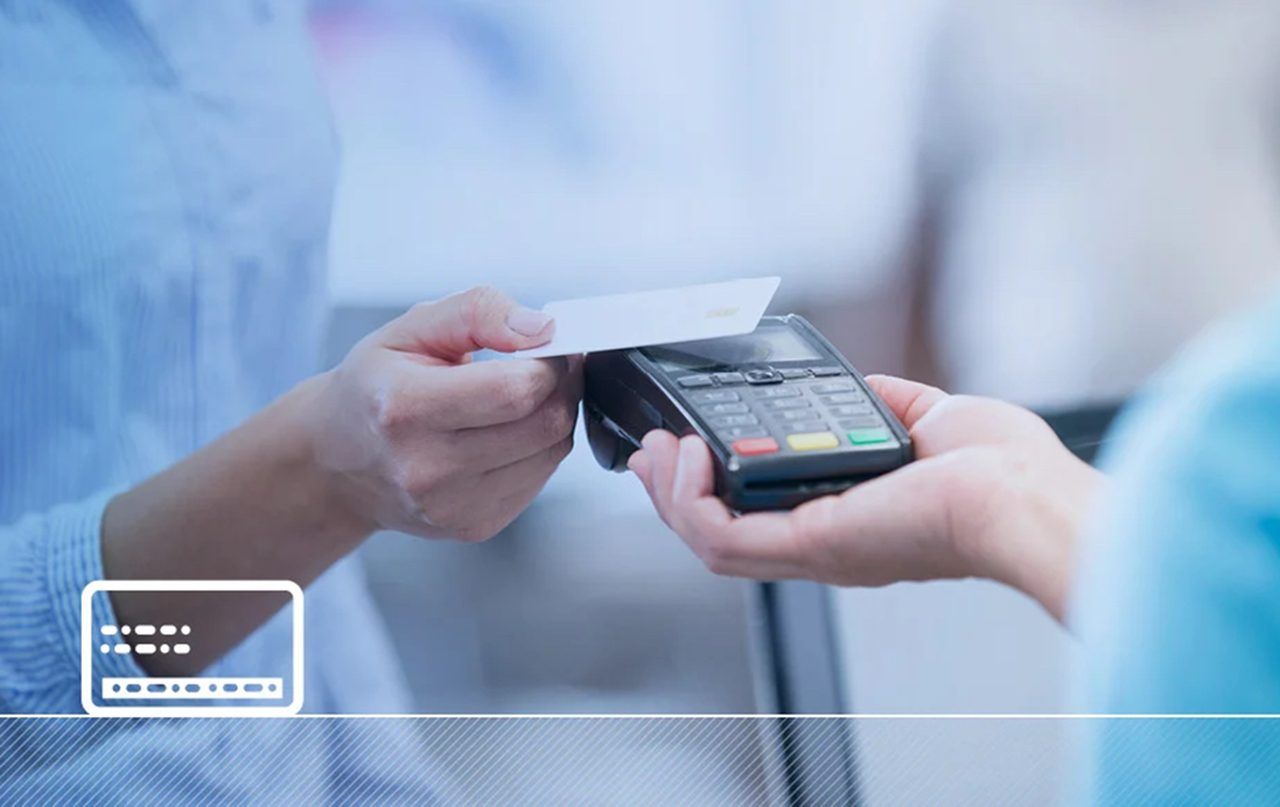
Everyone was impressed with the convenience of contactless payment systems, and we love cards that you can just tap to pay (no long wait times for inserting your card), but with this feature, new issues emerged.
Unethical people, scammers, and thieves quickly noticed the drawback of the system, like a shark that senses blood, and tried to use it to their advantage.
How? Well, nobody thought of that. If a person comes with a card payment processor near your pocket where you hold your contactless card, you can make a transaction without even noticing. Plus, robbers can now get your wallet and use your card without knowing the PIN number.
Yes, there is a cap on how much money you can spend before you are required to enter a PIN, but it is still a vulnerability.
So, obviously, there are a lot of security breaches while using contactless payment systems, and it is very important to stay secure at all times. Here is what you need to do.
Understand the Tech
First and foremost, you have to understand how contactless cards work in order to protect yourself. We are talking about cards that work via radio-frequency identification (RFID) or near-field communication (NFC), which is a chip in your card or phone that talks to the reader within 4 centimeters.
It’s very convenient, but thieves can use portable readers to snag info from 10 feet away, if your card is unshielded.
So, what can you do? Well, the first step is to understand what’s at risk. Check your card for the contactless symbol (four curved lines); if it’s there, then you have a live contactless card.
Then you can move to other steps to shield the signal and employ even more protections.
Shield Your Signal
Most thieves use a signal booster to get to your card chip, but if you have an RFID blocking wallet, then you are safe. This is a metal mesh that is inserted in your wallet card slot, which cuts the radio waves cold, dropping the breach by 99%.
So, if you keep your contactless cards in your wallet, maybe it is time to look for a wallet with a built-in RFID blocking feature. They are cheaper, and now many of the standard wallets have this feature.
If we are talking about contactless payments on phone, it is really important to toggle NFC off when you’re not paying.
On iPhones, it’s Settings > Wallet; on Android’s under Connections. That way, nobody can access your card information through a portable device.
Watch for Skimmers
One of the biggest risks that the world is facing right now is skimming. Never heard of it?! Well, listen to this.
We are talking about thieves who target ATMs or checkout machines to snag your data. These skimmers look identical to the real thing, so it is very hard to see with the naked eye whether an ATM has been tapped.
So, you’ll insert the card in the ATM, withdraw some money, and everything will go well. However, the skimmer has already got your card data, and thieves can use your card for online purchases.
Therefore, always check where you put your card, and if you want to protect yourself, you can add a small tape blocking the CVV numbers on the back of your card. That way, these skimmers cannot read your data.
Lock Down Your Device
If you’re tapping with your phone—Apple Pay, Google Pay, whatever—your biggest weak spot is you.
Use a strong passcode (six digits, not four) and biometric locks like Face ID; Apple’s 2025 specs say it’s cracked less than 1 in 1,000,000 times. Turn off NFC when you’re not using it—on iPhones, it’s under Settings > Wallet, Android’s in Connections. If it’s lost, remote wipe it fast via Find My or Google’s equivalent.
Set Limits and Alerts
You can’t stop every thief, but you can limit the damage. Most banks cap contactless payments—$100 per tap in the U.S., £100 in the U.K. We set our Genome card to text us for anything over $50; it’s a pain sometimes, but we caught a weird $75 charge last month that wasn’t ours. Log into your bank app—most apps let you toggle contactless on or off—and crank up alerts. If your card’s tapped without you, you’ll know in seconds.
Zero-liability policies mean you’re not out of cash if you report it fast, within 60 days,
Stick to Trusted Spots
Where you tap matters. Better stick to places you know: that random street vendor with a tap machine? Hard pass.
For online buys, use virtual cards—many platforms now have disposable numbers that vanish after one use, so even if they’re nabbed, they’re useless. My last Amazon order? Tapped with a virtual card, no sweat.
What If It Goes Wrong?
If your account’s hit, call your bank pronto; we had a $20 mystery charge reversed in a day last year. The Payment Card Industry Security Standards Council says chips and tokens slashed counterfeit losses to $0.03 per $100 spent by 2025.
You’re covered, but don’t sleep on it—report within 48 hours for debit, 60 for credit, and you’re golden.


