






How to get Secret Emojis is a question many social media users ask, especially those who want to make their posts, comments, and chats more engaging. Secret emojis are hidden or rare symbols not immediately visible on standard keyboards.
They can be accessed on platforms like TikTok, Instagram, Discord, WhatsApp, iPhone, and Android using special codes, keyboards, or apps. By learning how to unlock TikTok secret emojis, Gboard Emoji Kitchen combos, and Instagram hidden emojis, users can make their messages more expressive and fun.
Whether you want cute kaomojis, unique mashups, or platform-specific hidden icons, knowing the techniques to get secret emojis gives you a creative edge in online conversations.
What Are Secret Emojis
Secret emojis are unique symbols that don’t appear in the regular emoji keyboard, and learning How to get Secret Emojis helps users stand out online. These hidden icons are sometimes platform-exclusive, like TikTok secret emojis, Gboard Emoji Kitchen combos, or Instagram hidden emojis. Unlike normal emojis that are available on every device, secret emojis require codes, combinations, or special settings.
For example, TikTok uses bracket codes like [cool], while iPhone uses hidden keyboards and suggestion shortcuts. Some emojis are rare because they’re not part of the standard Unicode set, while others are created as custom icons by apps like Discord or YouTube.
Understanding the difference between regular and secret emojis helps you unlock hidden, rare, and fun icons that make your messages and comments more expressive and engaging.
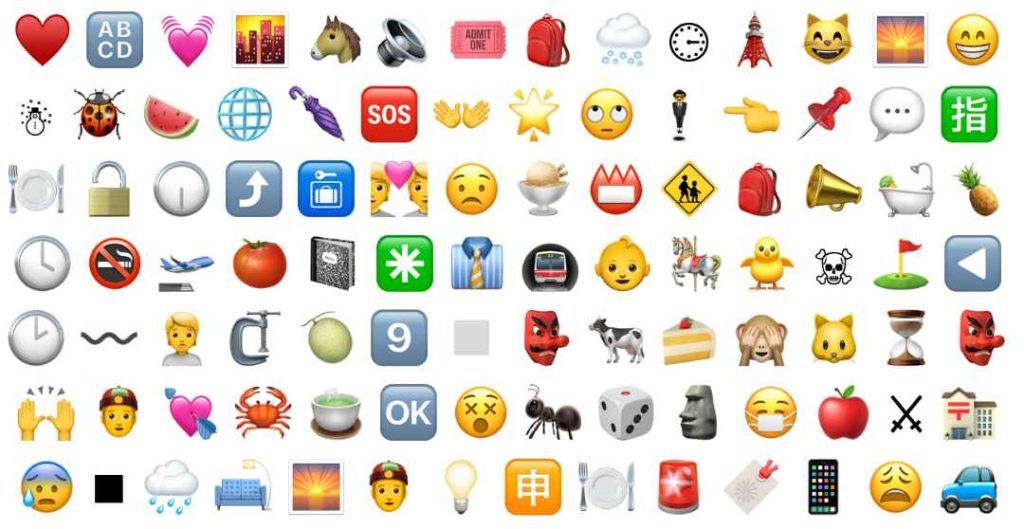

How to get Secret Emojis on TikTok Using Code Format Like “[happy]”
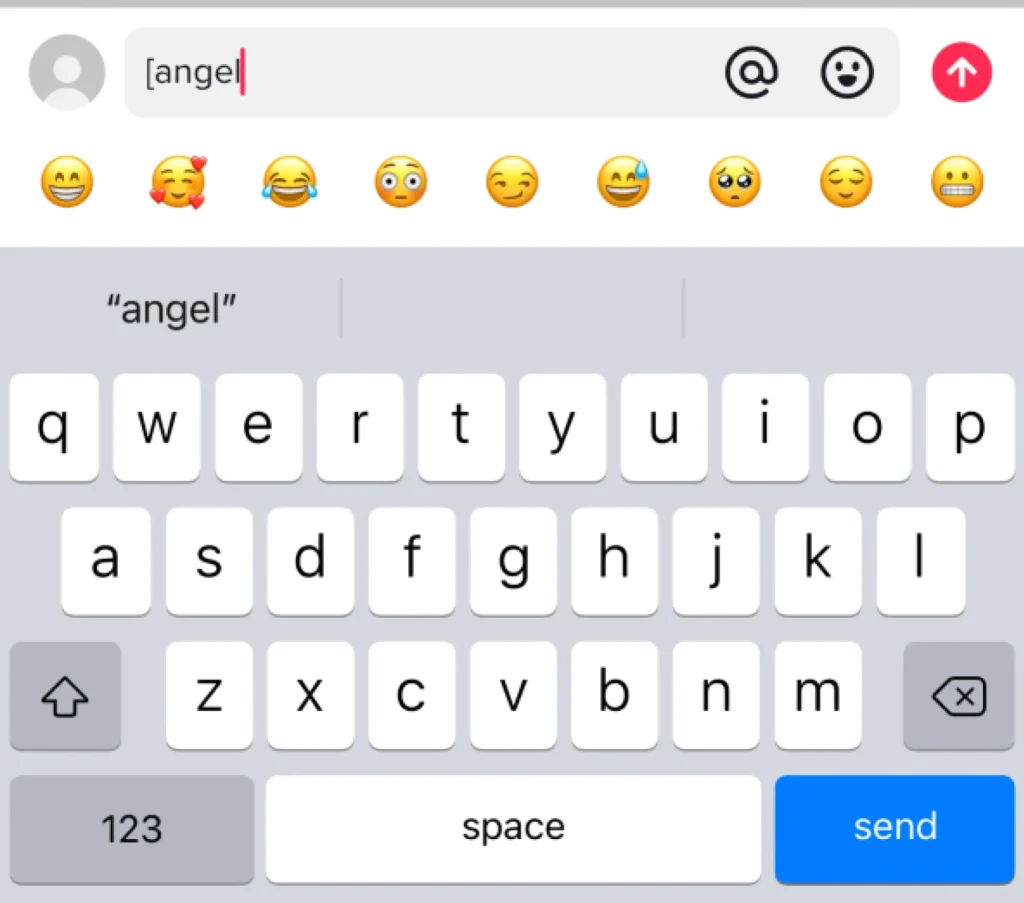
If you want to know How to get Secret Emojis on TikTok, the easiest method is using TikTok’s built-in bracket codes. These short commands instantly turn into secret emojis like [happy], [love], or [cool]. To use them, simply go to the TikTok comment box or caption editor and type the exact keyword inside square brackets.
TikTok will automatically transform it into a hidden emoji the moment you post. These secret icons are exclusive to the TikTok platform and often look different from normal emojis, giving your comments a unique style that grabs attention.
This method requires no app, tool, or download—just typing. TikTok’s secret emoji library keeps updating, so using these codes helps you stay trendy and boost your comment visibility. It’s one of the fastest and easiest ways to unlock TikTok secret emojis instantly.
Full List of TikTok Secret Emoji Codes You Can Use Today
Learning How to get Secret Emojis on TikTok becomes easier when you know the full list of bracket codes. TikTok has dozens of hidden emojis that can be unlocked using simple keywords like [love], [cool], [haha], [angry], [happy], and many more. These emojis give your comments personality and help them stand out in busy TikTok threads.
For example, [cry] shows a dramatic crying face, [scared] expresses fear, and [yeah] gives a fun celebratory gesture. These codes work only if typed correctly with brackets and no spaces. TikTok updates its emoji library often, so it’s good to stay familiar with popular codes.
Using these secret emojis increases engagement because they look visually different from regular emojis. Whether you’re posting reactions, funny comments, or replies, these hidden codes allow you to express emotions creatively on TikTok.
How to Get Secret Emojis on iPhone Using Hidden Keyboard Tricks
iPhone offers several ways to discover hidden icons, making How to get Secret Emojis simple for iOS users. One of the easiest tricks is typing words like “heart,” “fire,” or “star,” which prompts iPhone emoji suggestions that reveal hidden variations. Another popular method is creating emoji shortcuts in Settings → General → Keyboard → Text Replacement.
You can assign custom phrases to trigger rare emoji combinations instantly. Additionally, switching to alternate keyboards like the Japanese Kana keyboard gives access to expressive text-based emojis known as kaomoji. These include (≧▽≦), (•‿•), and more.
iPhone also hides region-based emojis that appear only when certain languages or keyboards are enabled. By using these methods together, you can unlock a large variety of secret symbols that don’t appear on the default emoji list.
Using the Japanese Kana Keyboard to Unlock More Secret iPhone Emojis
One of the most underrated ways How to get Secret Emojis on iPhone is by enabling the Japanese Kana keyboard. This special keyboard contains dozens of built-in kaomojis—creative text-based faces like (≧▽≦), (•‿•), (╯°□°)╯, and more. These hidden emojis express moods more dramatically than standard icons and are perfect for TikTok comments, Instagram captions, and fun chats.
To access them, go to Settings → General → Keyboard → Add New Keyboard → Japanese → Kana. Once activated, tap the smiley face symbol on the keyboard to open categories of kaomoji including happy, sad, angry, confused, love, and celebratory expressions.
These kaomojis work on every app, making them highly versatile. With just one keyboard change, you unlock a full library of expressive symbols that most users don’t even know exist.
How to get Secret Emojis on Android with Gboard Emoji Kitchen
For Android users wondering How to get Secret Emojis, the Gboard Emoji Kitchen is one of the best tools. It allows you to mix two emojis to create brand-new combinations like , , , or ✨. These mashups are rare, fun, and often trending on social media. To use Emoji Kitchen, open Gboard, tap any emoji, and look at the suggestion bar above your keyboard.
Gboard will automatically generate creative combinations based on your selected emoji. Some combinations are themed for holidays, seasons, or popular memes. You can use them in TikTok, Instagram, WhatsApp, or any app that supports image-based emojis.
These unique mashups stand out because they aren’t available on iPhone or standard Android keyboards. Emoji Kitchen makes unlocking hidden emojis incredibly easy and fun for everyday messaging.
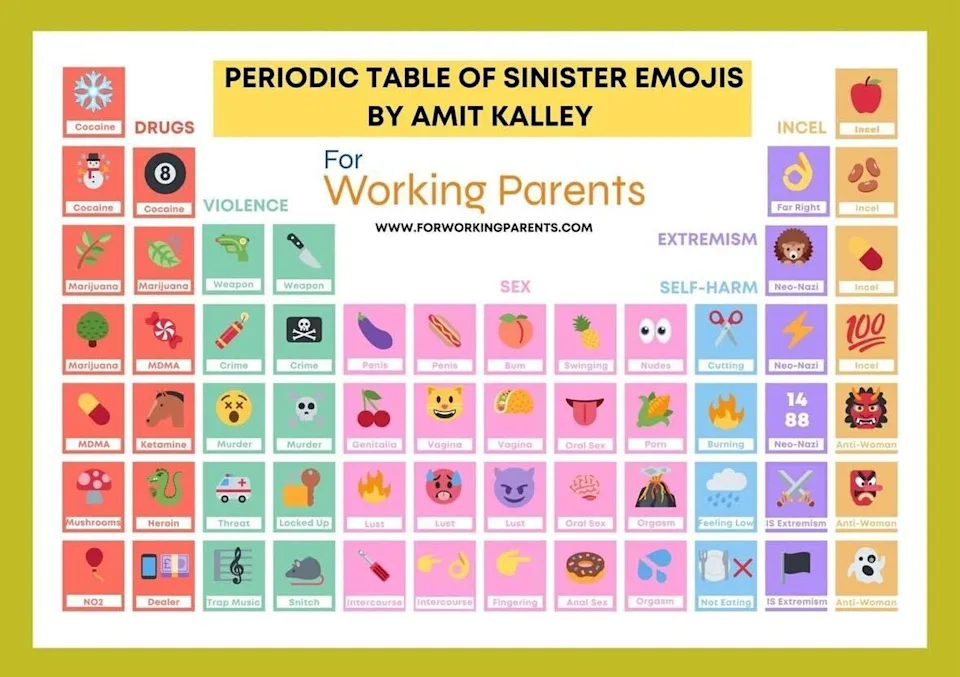

Full List of Gboard Emoji Kitchen Secret Combos You Should Try
Exploring Emoji Kitchen is essential when learning How to get Secret Emojis on Android. Gboard offers hundreds of creative combinations, including romantic mashups like , funny mixes like , aesthetic trends like ✨❤️, and bold reactions like .
There are also seasonal mashups such as ✨ for Christmas or for Halloween. Some rare combos include ghost-heart, cactus-love, and alien-laugh. These icons look like custom stickers and grab attention instantly in TikTok comments or Instagram replies.
Gboard updates Emoji Kitchen frequently, adding new emoji fusions based on trends and holidays. Not every emoji can be combined, but experimenting reveals many hidden gems. Users who enjoy expressive messaging should try mixing classic emojis like , , , , and to unlock funny, dramatic, or cute combinations that stand out in any conversation.
How to Get Secret Emojis on Instagram Using Hidden Emoji Prompts
When exploring How to get Secret Emojis on Instagram, hidden emoji prompts are incredibly useful. Instagram supports a command-style system where typing a colon “:emoji name:” reveals secret emojis such as :sparkles:, :fire:, :star: and more. This feature works especially well in DMs and comments. Instagram also suggests rare emoji variations when typing certain keywords in search or captions.
Using multiple languages or keyboards can display additional regional emojis. Some creators provide exclusive emoji reactions during live streams, allowing viewers to use unique icons not available on regular keyboards.
By experimenting with prompts, hashtags, and stickers, you can unlock a broader range of expressions. Instagram continuously updates its emoji support, so staying familiar with these hidden features helps you stay ahead and use emojis that others rarely know about.
Emoji for TikTok: Unlock All Hidden & Trending Icons
How to Get Secret Emojis on Discord with Custom Emoji Codes
Discord is home to some of the most unique emojis, making it perfect for anyone learning How to get Secret Emojis. On Discord, you can access server-exclusive emojis by typing :emoji_name:. These emojis are uploaded by server owners and often include custom art, animated icons, or rare themed emojis.
Nitro users can use these custom emojis across all servers, giving them even more options. Discord also supports stickers, GIF emojis, and reaction packs. To unlock more emojis, join popular servers that offer open emoji libraries. Many communities upload hundreds of themed emojis, including anime, gaming, memes, and aesthetic styles.
By exploring different servers and using the colon-code method, you can collect and use emojis unavailable anywhere else. This makes Discord one of the best platforms for discovering truly exclusive emoji content.
How to Unlock Secret Emojis on WhatsApp with Special Keyboard Settings
WhatsApp may look simple, but it hides several emoji tricks that help with how to get Secret Emojis. When you select certain regional keyboards—such as Japanese, Arabic, or Korean—WhatsApp displays unique emojis specific to that language setting. WhatsApp also supports hidden variations of emojis that appear when you press and hold an icon, revealing alternate skin tones, genders, or styles.
Android users can access Gboard Emoji Kitchen mashups directly inside WhatsApp, while iPhone users can insert kaomojis and text-based emojis through their added keyboards. WhatsApp stickers also act as custom emojis, giving you access to rare expressions beyond the default Unicode set.
Many users create their own sticker packs to unlock even more secret icons. These features make WhatsApp surprisingly flexible when you know where to look.

How to Use Hidden Emojis in YouTube Comments and Live Chats
YouTube offers special emoji packs that help users learn how to get Secret Emojis for comments and live chats. Members of specific channels can use custom emojis provided by creators, including animated icons and exclusive themed symbols. These emojis appear only in that creator’s community and stand out instantly in chats.
On YouTube Live, viewers can also unlock temporary emojis during events or promotions. For standard YouTube comments, using text-based emojis like (╯°□°)╯ or (•‿•) adds flair without relying on standard icons. Using these hidden emojis helps your comments get noticed, especially during popular livestreams.
Joining channel memberships also unlocks emoji packs that are unavailable anywhere else. YouTube’s constant updates mean new emojis show up frequently, giving you endless ways to stand out in conversations.
How to Get Secret Emojis Without Apps Using Keyboard Shortcuts
A great method for how to get Secret Emojis is using built-in keyboard shortcuts—no apps required. Both iPhone and Android allow Text Replacement shortcuts, where typing a custom phrase instantly triggers a secret emoji or kaomoji. You can create shortcuts like “/love” → ❤️ or “/cute” → (≧▽≦).
Many devices also support Unicode shortcuts, which allow access to older or rare symbols like ★, ✿, ♡, ✔, or ☯. Holding certain keys on your keyboard reveals alternate characters that act like secret emojis. Windows and Mac computers have emoji shortcuts too, such as pressing “Windows + .” or “Command + Control + Space.”
By mastering these simple shortcuts, you can unlock a massive set of hidden emojis without downloading any tools or enabling special keyboards.
Websites That Provide Rare Emojis, Symbols, and Hidden Icons
Another powerful option in How to get Secret Emojis is using online emoji libraries. Many websites provide rare symbols, aesthetic icons, Unicode emojis, and copy-paste hidden characters. These tools include categories like arrows, stars, hearts, zodiac signs, kaomojis, fancy text, and platform-exclusive emojis.
Copying emojis from websites works across TikTok, Instagram, WhatsApp, Discord, and YouTube. Some websites even provide Unicode emojis that aren’t visible on normal keyboards, giving you access to thousands of hidden characters instantly.
These sites update frequently, ensuring you always have access to the newest symbols. Simply click to copy and paste wherever you want. It’s one of the easiest ways to get rare emojis without installing apps or changing settings.
How to Create Your Own Secret Emojis Using AI and Emoji Generators
If you want full creativity in How to get Secret Emojis, AI emoji generators are the best option. These tools allow you to design custom emojis with unique styles—cute, aesthetic, kawaii, cartoon, 3D, or meme-based. You can create emojis that nobody else has, making your comments and chats stand out.
Many websites and apps let you upload photos, add expressions, or generate emojis automatically with AI. Once created, you can save them as stickers and use them on WhatsApp, Telegram, TikTok, Discord, and Instagram. Some platforms even support animated emojis.
By designing your own icons, you’re not limited to standard emoji sets. This is the ultimate method for users who want something truly rare and personalized.
Why Some Secret Emojis Don’t Work on All Devices
Understanding this issue is helpful for anyone learning how to get Secret Emojis. Secret emojis don’t always display correctly because devices rely on different operating systems and emoji fonts. For example, a TikTok bracket emoji like [haha] may appear perfectly on TikTok but show as plain text on Instagram.
Similarly, Gboard Emoji Kitchen mashups appear as images, so they won’t behave like normal emojis on iPhone. Older devices may not support newer Unicode symbols, causing them to appear as blank boxes. Custom Discord emojis also work only inside Discord unless saved as stickers.
These differences happen because emojis aren’t universal—they depend on each app’s software and design. Knowing this helps avoid confusion when secret emojis fail to appear on certain platforms.
How to Use Secret Emojis to Boost Comments on TikTok Videos
One creative benefit of learning how to get Secret Emojis is using them to boost TikTok engagement. Secret emojis like [happy], [cool], [love], or Emoji Kitchen mashups stand out visually and attract attention in the comment section.
Viewers are more likely to respond to comments that look unique or funny. Many creators use hidden emojis in comment prompts, challenges, or reactions to encourage interaction. Using kaomojis like (≧▽≦) or (•‿•) makes your comments look expressive and animated.
Rare emojis can help your comments appear at the top, especially during viral trends. Using secret emojis consistently helps build a recognizable commenting style, increasing visibility and interaction on TikTok.
Mistakes to Avoid When Searching for How to Get Secret Emojis Online
While learning how to get Secret Emojis, avoid common mistakes that waste time or risk your safety. Never download random apps claiming to “unlock all emojis,” as many are scams or contain malware. Stick to trusted methods like TikTok bracket codes, Emoji Kitchen, or iPhone keyboards.
Avoid websites that ask for permission to access your device or personal data. Be cautious about copying emojis that appear broken or unsupported on your device. Don’t assume every secret emoji will work everywhere—some are app-specific and won’t transfer across platforms.
Also, avoid using outdated Unicode lists, as older devices may not display them correctly. By avoiding these mistakes, you can safely and easily enjoy hidden emojis without compromising your privacy or device performance.
Tiktok Emoji Meme: Viral Trend Everyone Is Loving

Fun Facts about How to Get Secret Emojis
- Some TikTok secret emojis were created for the Chinese app Douyin.
- Gboard Emoji Kitchen can generate over 20,000 unique emoji combinations.
- Many kaomojis, like (≧▽≦), originate from Japanese text culture.
- Some secret emojis appear only during holidays or special events.
- Unicode updates regularly introduce hidden symbols that aren’t on standard keyboards.
Frequently Asked Questions about How to Get Secret Emojis
What are secret emojis?
Secret emojis are hidden or rare icons not visible on the standard emoji keyboard, often accessed through codes, keyboards, or apps.
How can I get secret emojis on TikTok?
Type bracket codes like [happy], [love], or [cool] in captions or comments to reveal hidden TikTok emojis.
Can I use secret emojis on iPhone?
Yes, by enabling hidden keyboards, text shortcuts, or using a Japanese Kana keyboard to access kaomojis.
Are secret emojis safe to use online?
Yes, if you use official methods like platform codes, keyboard shortcuts, and trusted emoji websites. Avoid random app downloads.
Can Android users access secret emojis?
Absolutely! Use Gboard Emoji Kitchen for rare mashups and creative emoji combinations on Android.
Conclusion of How to get Secret Emojis
How to get Secret Emojis allows you to stand out in digital communication and add personality to every message. From TikTok secret emojis and bracket codes to iPhone kaomojis and Gboard Emoji Kitchen combos, hidden icons offer endless creative possibilities. Platforms like Instagram, Discord, WhatsApp, and YouTube provide additional secret emojis, making your interactions more engaging.
Understanding shortcuts, keyboard tricks, and copy-paste methods ensures you can unlock rare symbols safely without downloading untrustworthy apps. Secret emojis are more than just visuals—they express emotion, humor, and style.
Mastering these techniques helps you communicate uniquely, increases engagement in social media comments, and keeps your chats fresh, fun, and interactive across all platforms.


